Pondurance Home > Main Menu > Log Ingestion > 📁 Cloud Streaming/Storage > Google Cloud Storage > Export DNS Logs
Export DNS Logs
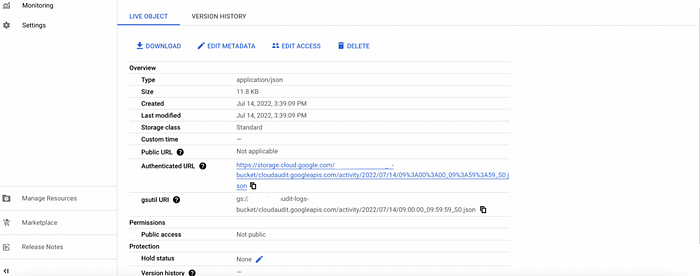
This page helps users to configure the DNS logs to ingest into the Google Cloud Storage bucket:
Note:
- Logs are generated only when activity occurs.
- DNS Logs may take several minutes to appear.
- Test resources must be located in the same VPC where logging is enabled.
Set Up DNS Logging
Prerequisites
-
Enable the Cloud DNS API.

Steps
-
Navigate to Cloud DNS -> DNS server policies.
-
Click Create policy.
-
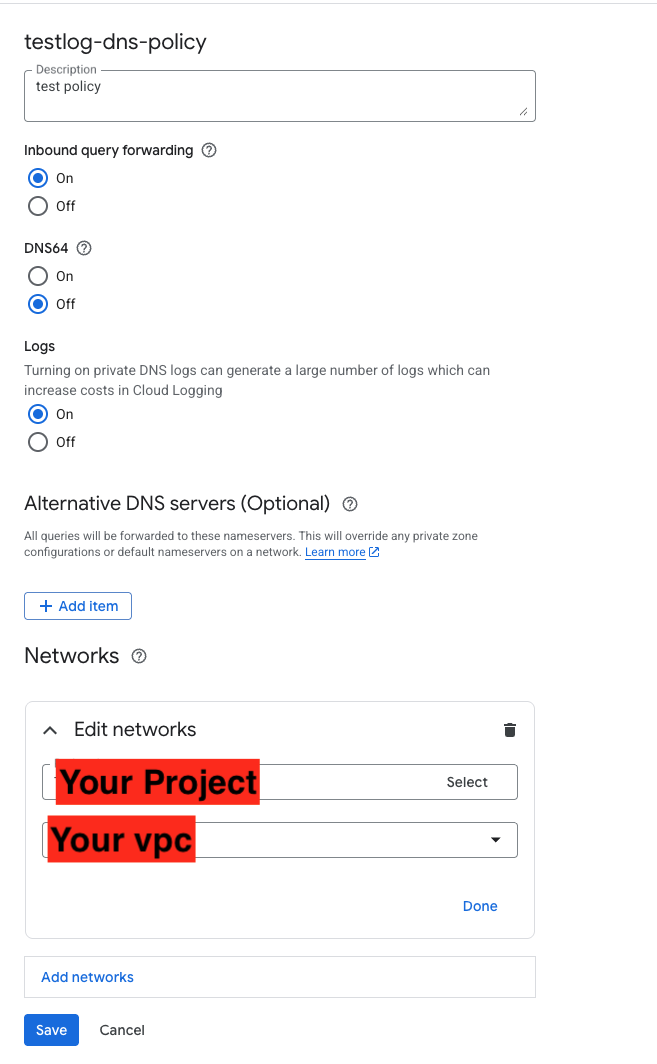
Configure the DNS logging policy:
- Name:
dns-logging-policy - Network: Select the target VPC
- Enable DNS logging: On
- Name:
Note: DNS logging applies at the VPC level and requires DNS activity to generate logs.