LogMeIn Central
Overview
Configuring a cloud source in Scope is a two-step process.
-
Generating LogMeIn Central credentials in the LogMeIn Central Portal. Please refer to Section 1 – LogMeIn Central Setup
-
Setting up the LogMeIn Central cloud source in the Scope application. Please refer to Section 2 – Scope Setup
LogMeIn Central Setup
To get started, you’ll need to generate the following credentials in the LogMeIn Central portal –
- PSK (Pre-Shared Key)
- Company ID
Step 1: Generate PSK and Fetch Company ID
-
Log into the LogMeIn Central portal.
-
In the side menu, navigate to Configuration -> API tab.
-
In the Generate Pre-Shared Key for API screen:
- Copy the Company ID (highlighted as reference 1 in the image below).
- Click the Generate button to generate a PSK (highlighted as reference 2 in the image below).
Note: Save the generated PSK to a secure location, as this exact key cannot be retrieved again.
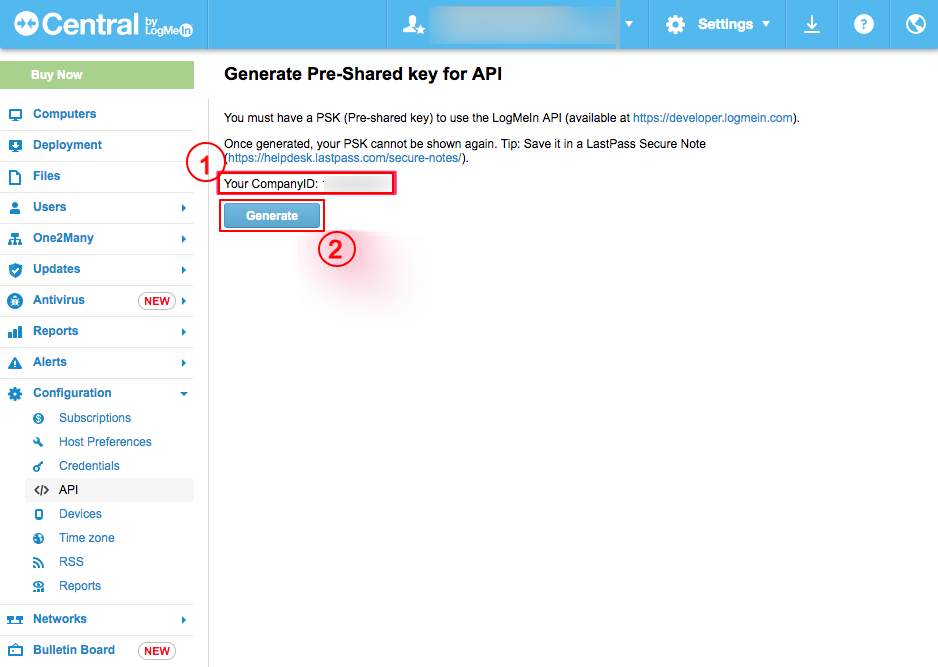
The generated Pre-Share Key (PSK) and Company ID are to be configured in Scope Setup: Step 1 for initiating the LogMeIn Central log ingestion.
Scope Setup
Step 1: LogMeIn Central Cloud Source Registration in the Scope Application
Once the credentials are generated, they must be configured in the Scope application to establish the connection and enable data ingestion from the LogMeIn Central environment.
In the Scope application, to register a LogMeIn Central cloud source, navigate to the cloud source registration page –
-
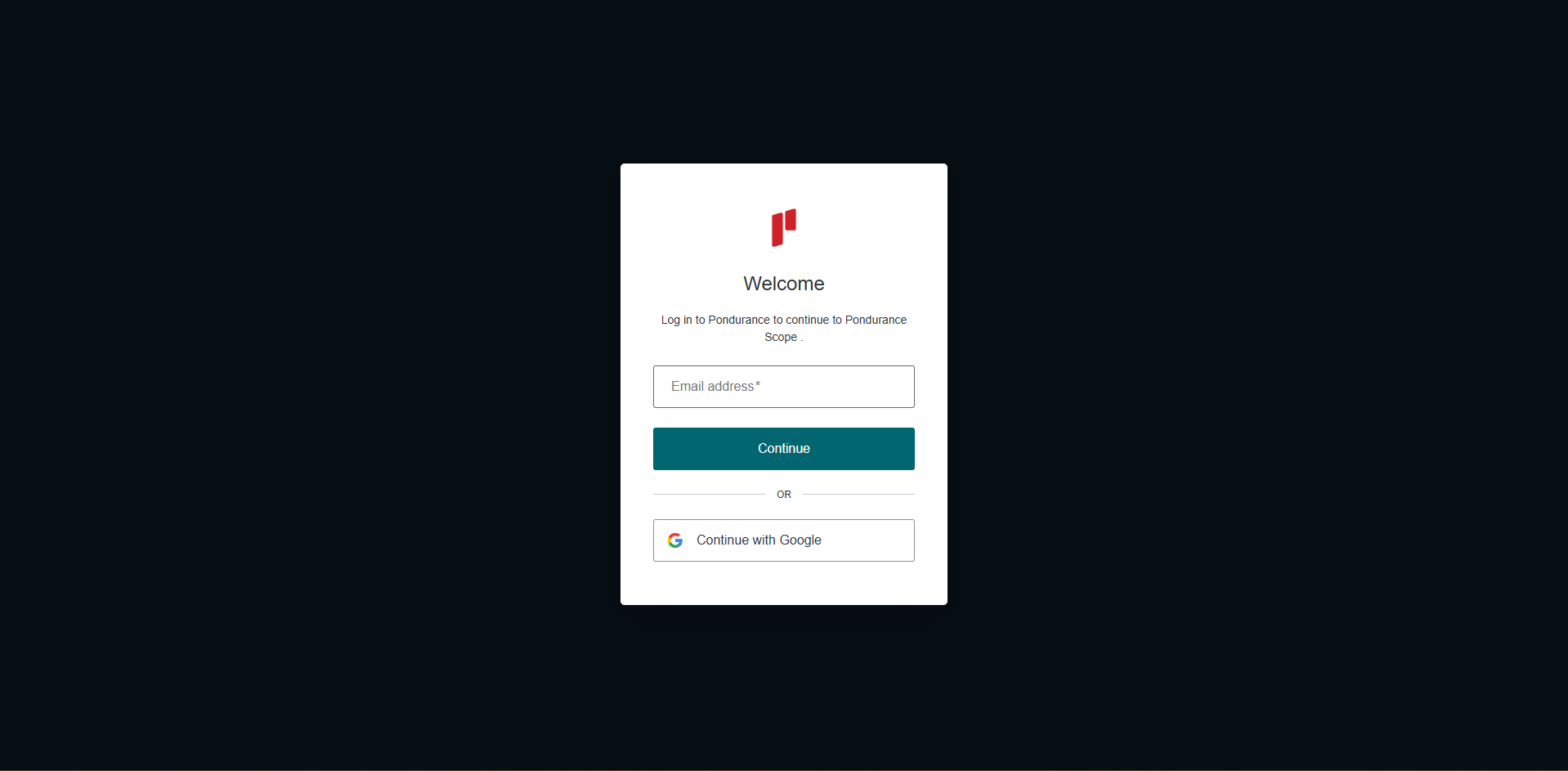
Log into the Scope application
-
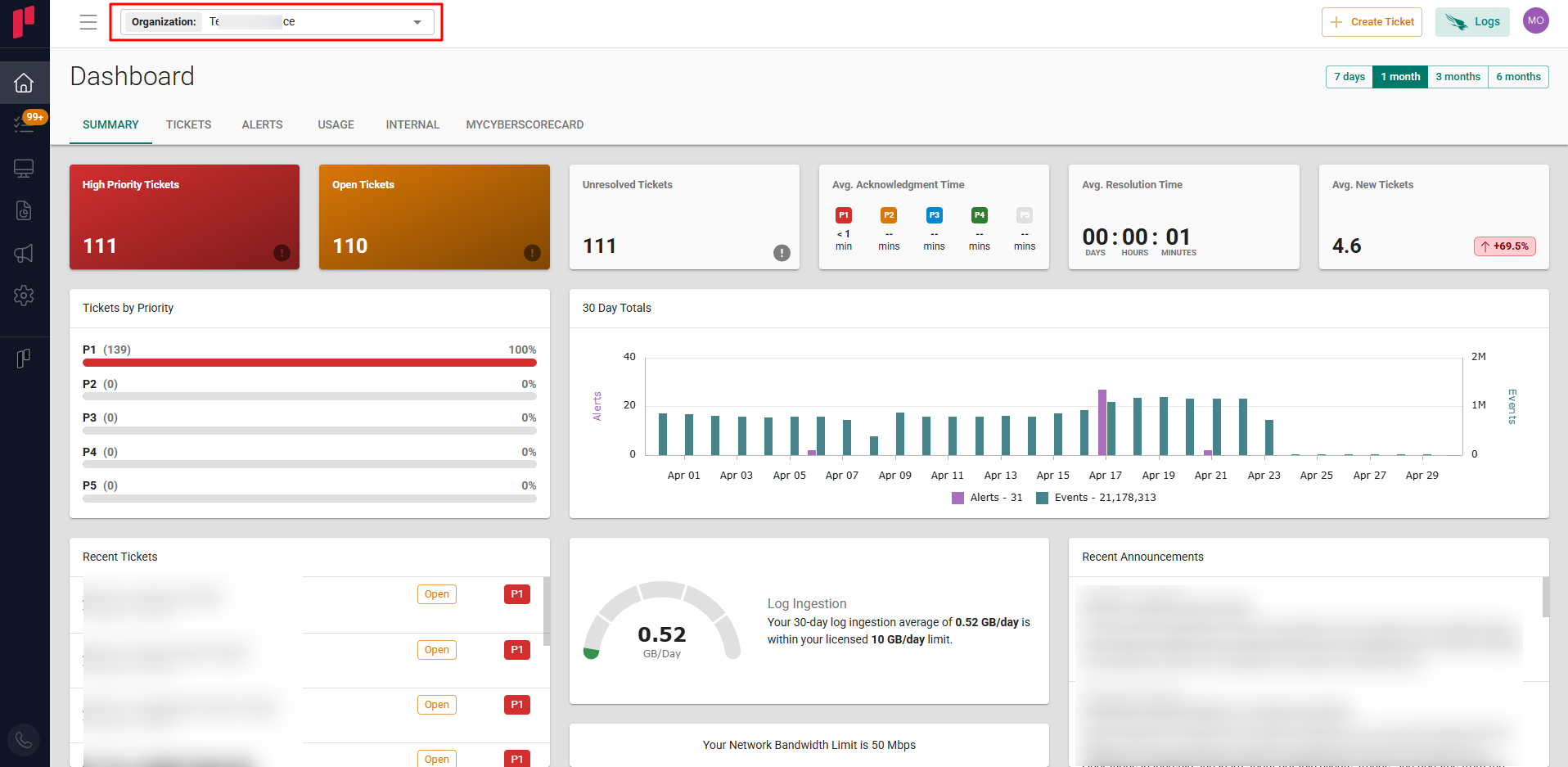
Select the required Organization from the Organization dropdown
-
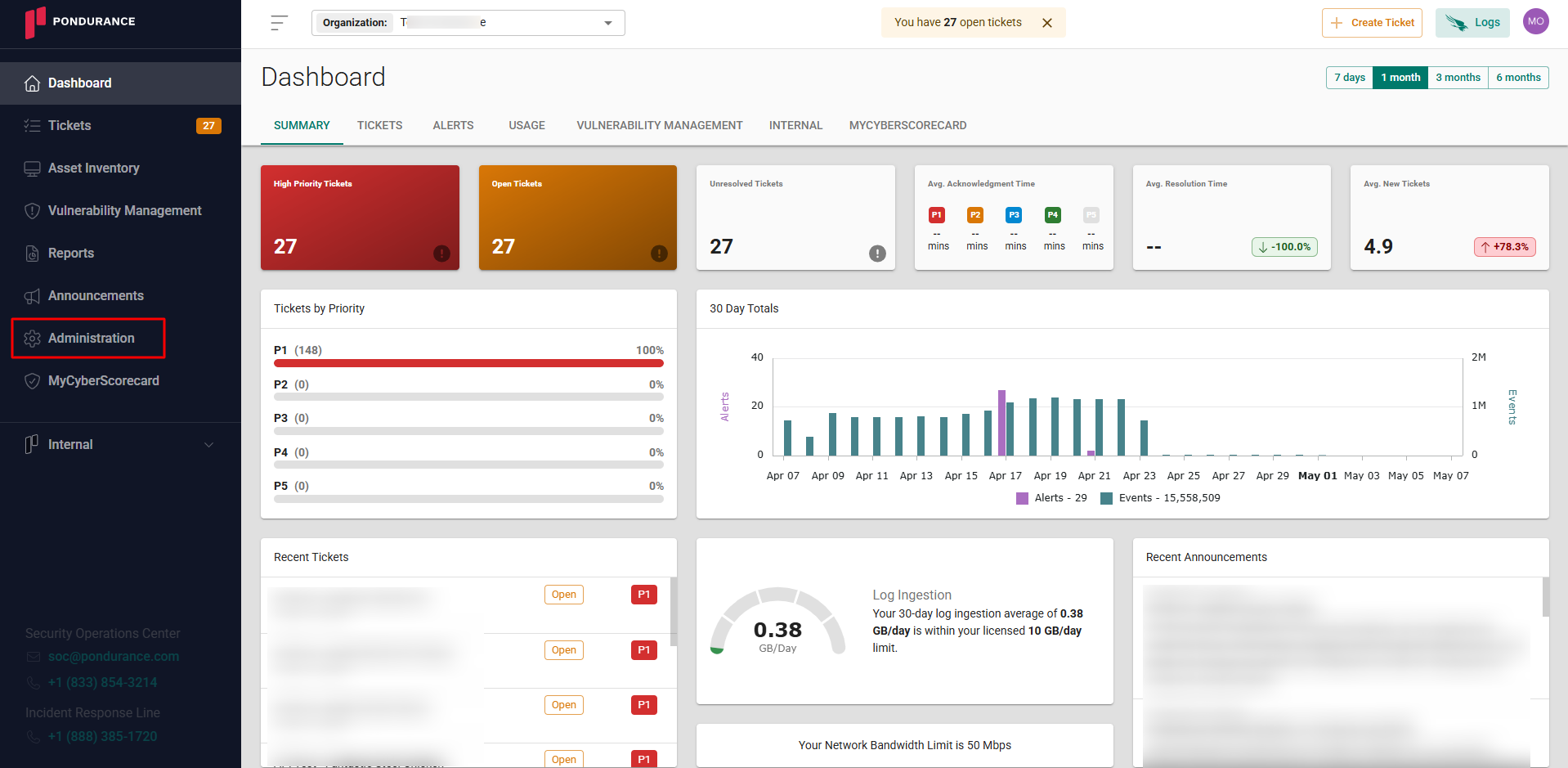
Navigate to the side menu -> Administration
-
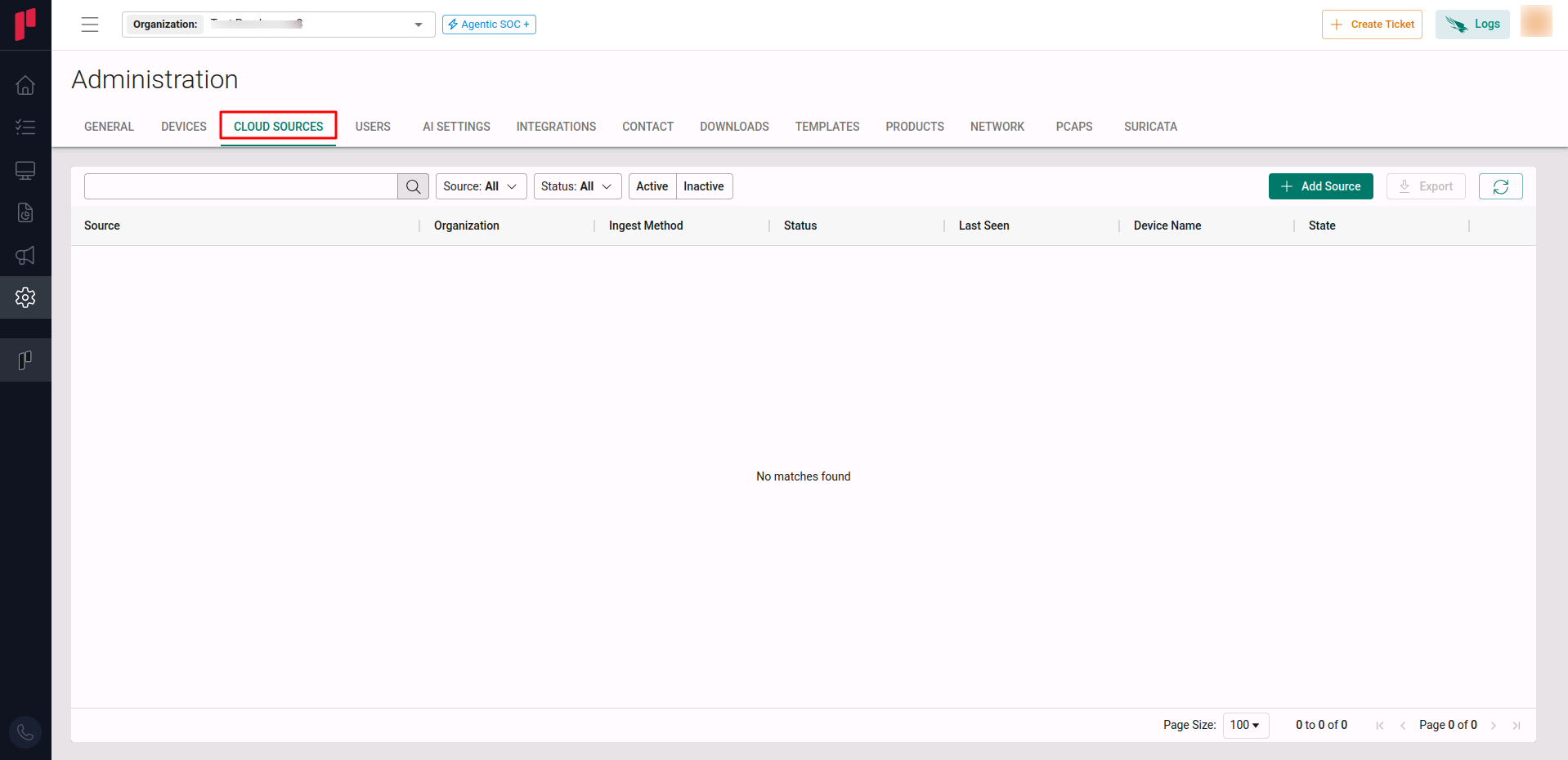
Navigate to the Cloud sources tab
-
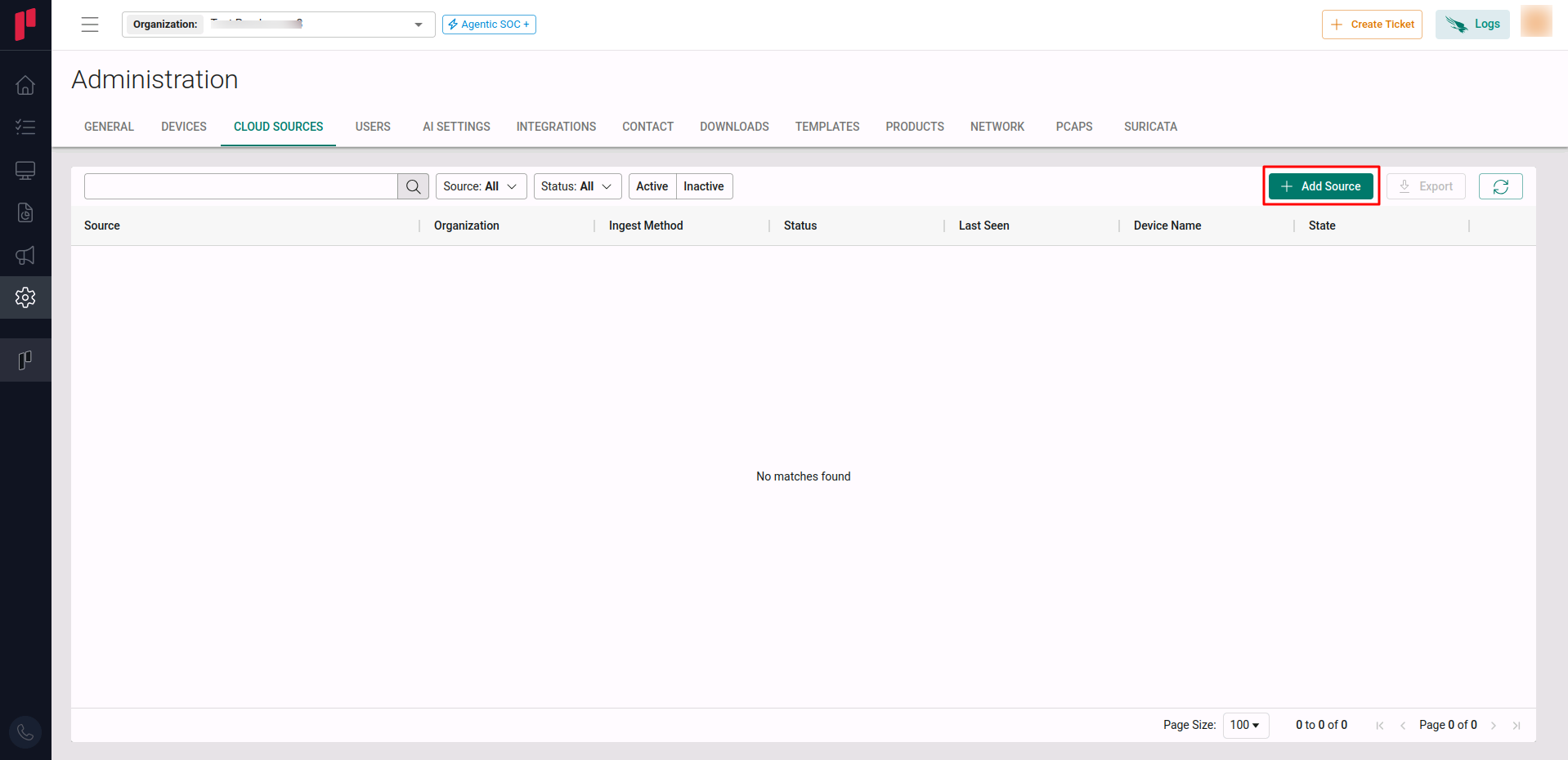
Click on the +Add Source button
-
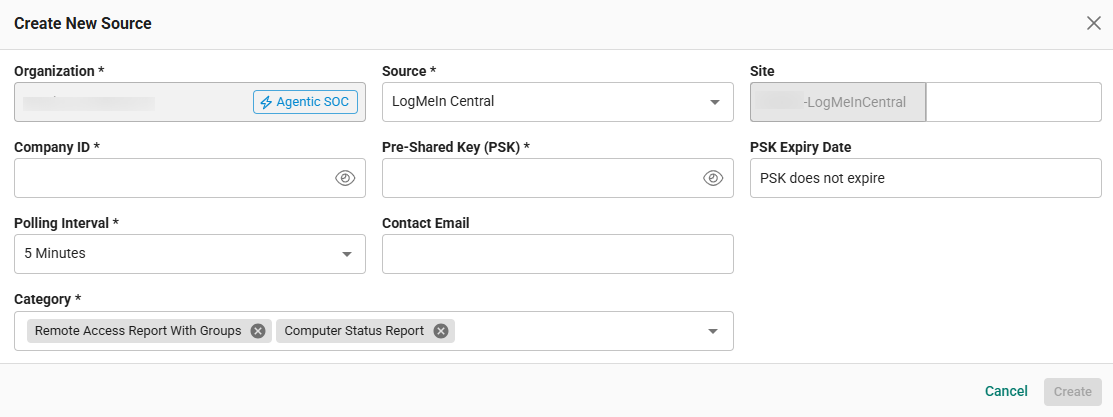
In the Add Source pop-up, provide the parameters below.
-
Source: Select the LogMeIn Central source from the Source dropdown.
-
Site: The user defined name for the LogMeIn Central cloud source.
-
Company ID: The Company ID fetched in Step 1.
-
Pre-Shared Key (PSK): The PSK generated in Step 1.
-
Polling Interval: The polling interval for making periodic API calls to the LogMeIn Central API. The user can select the required time interval from the dropdown.
-
Contact Email: The email address of the person who registers the LogMeIn Central cloud source in Scope.
-
Once the required connection parameters are entered, the LogMeIn Central cloud source registration is complete in Scope and is ready for ingestion of LogMeIn Central logs.