CrowdStrike Falcon
Overview
Configuring a cloud source in Scope is a two-step process.
-
Generating CrowdStrike Falcon client credentials in the CrowdStrike Falcon Portal. Please refer to Section 1 – CrowdStrike Falcon Setup
-
Setting up the CrowdStrike Falcon cloud source in the Scope application. Please refer to Section 2 – Scope Setup
CrowdStrike Falcon Setup
To get started, you’ll need to generate the following client credentials in the CrowdStrike Falcon portal –
- Client ID
- Client Secret
- Base URL
Step 1: Generate Client Credentials and Base URL
-
Sign in to the CrowdStrike Falcon instance.
-
Navigate to Support -> API Clients and Keys menu.
-
Click on Add new API Client.
-
Enter the Client Name and Description.
-
Ensure Read access is enabled for Event Streams.
-
Click the Add button.
-
The system displays the connection details – URL (Base URL), Client ID, and Client Secret. Copy all connection details and store them securely.
Note: The Client Secret will only be visible while this window is open. Ensure you copy and save this token securely before closing the window.
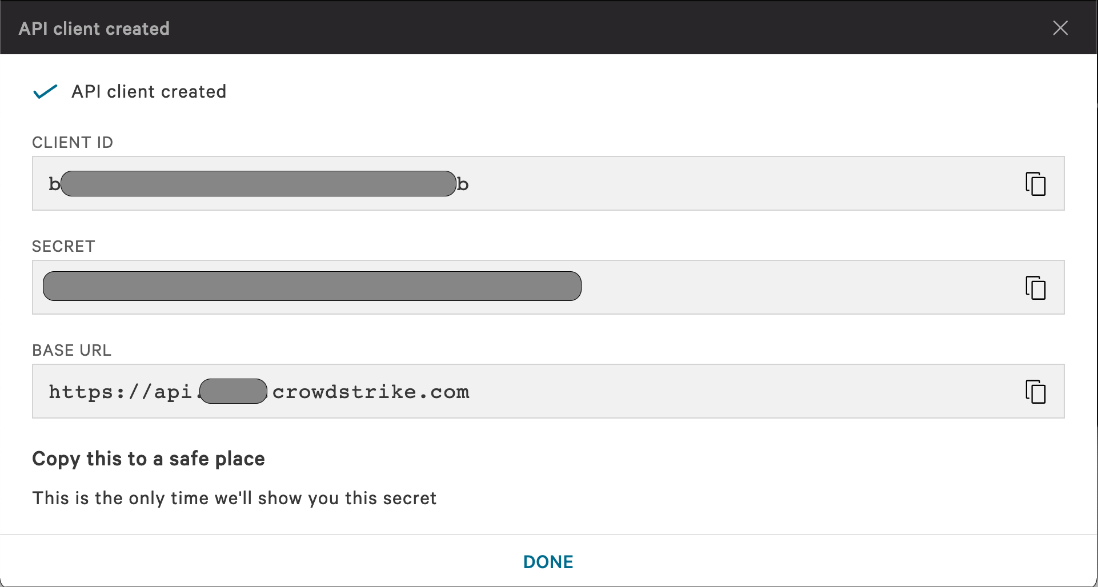
The generated Client ID, Client Secret, and Base URL are to be configured in Scope Setup: Step 1 for initiating the CrowdStrike Falcon log ingestion.
Scope Setup
Step 1: CrowdStrike Falcon Cloud Source Registration in the Scope Application
Once the credentials are generated, they must be configured in the Scope application to establish the connection and enable data ingestion from the CrowdStrike Falcon environment.
In the Scope application, to register a CrowdStrike Falcon cloud source, navigate to the cloud source registration page –
-
Log into the Scope application
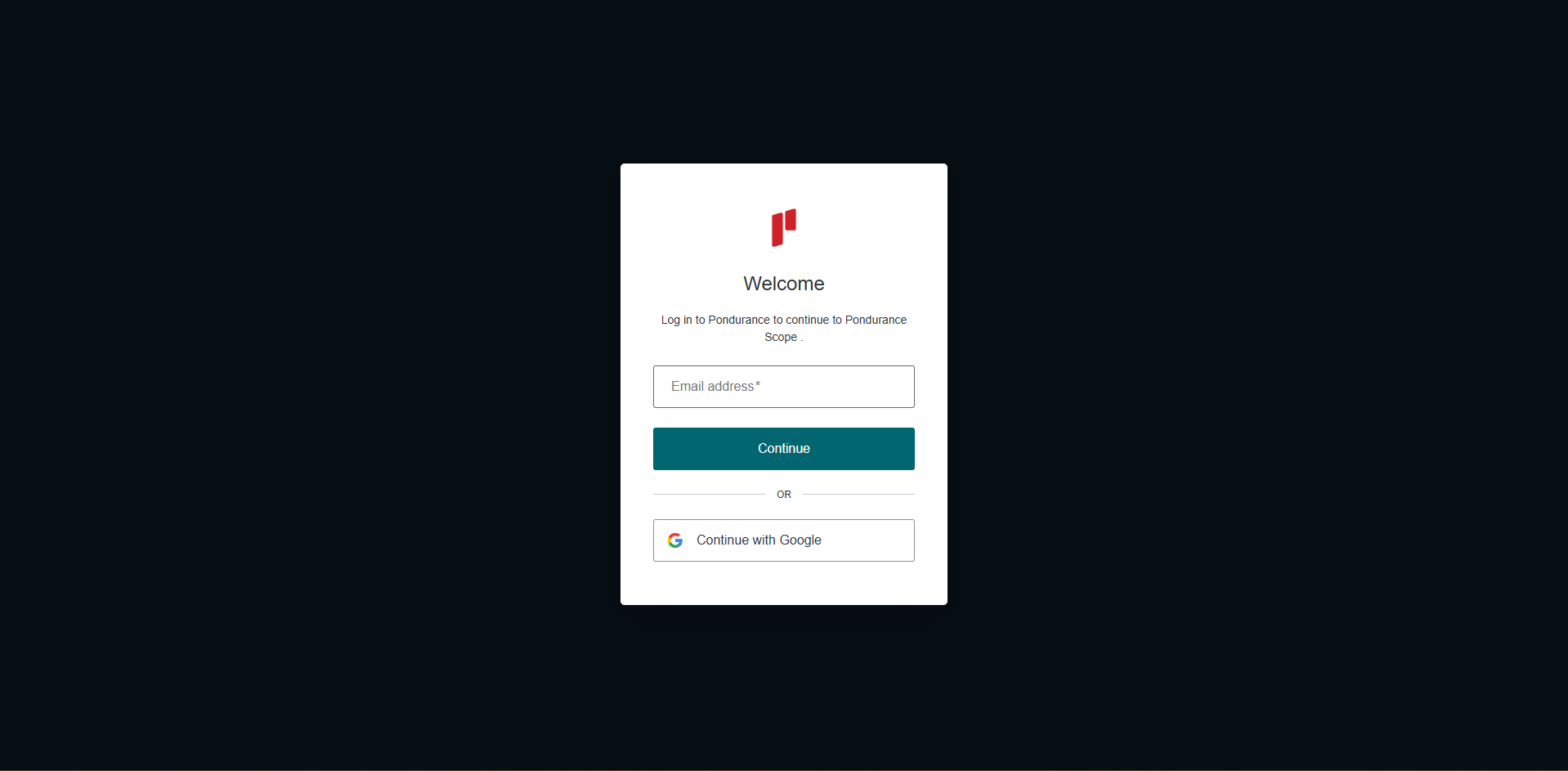
-
Select the required organization
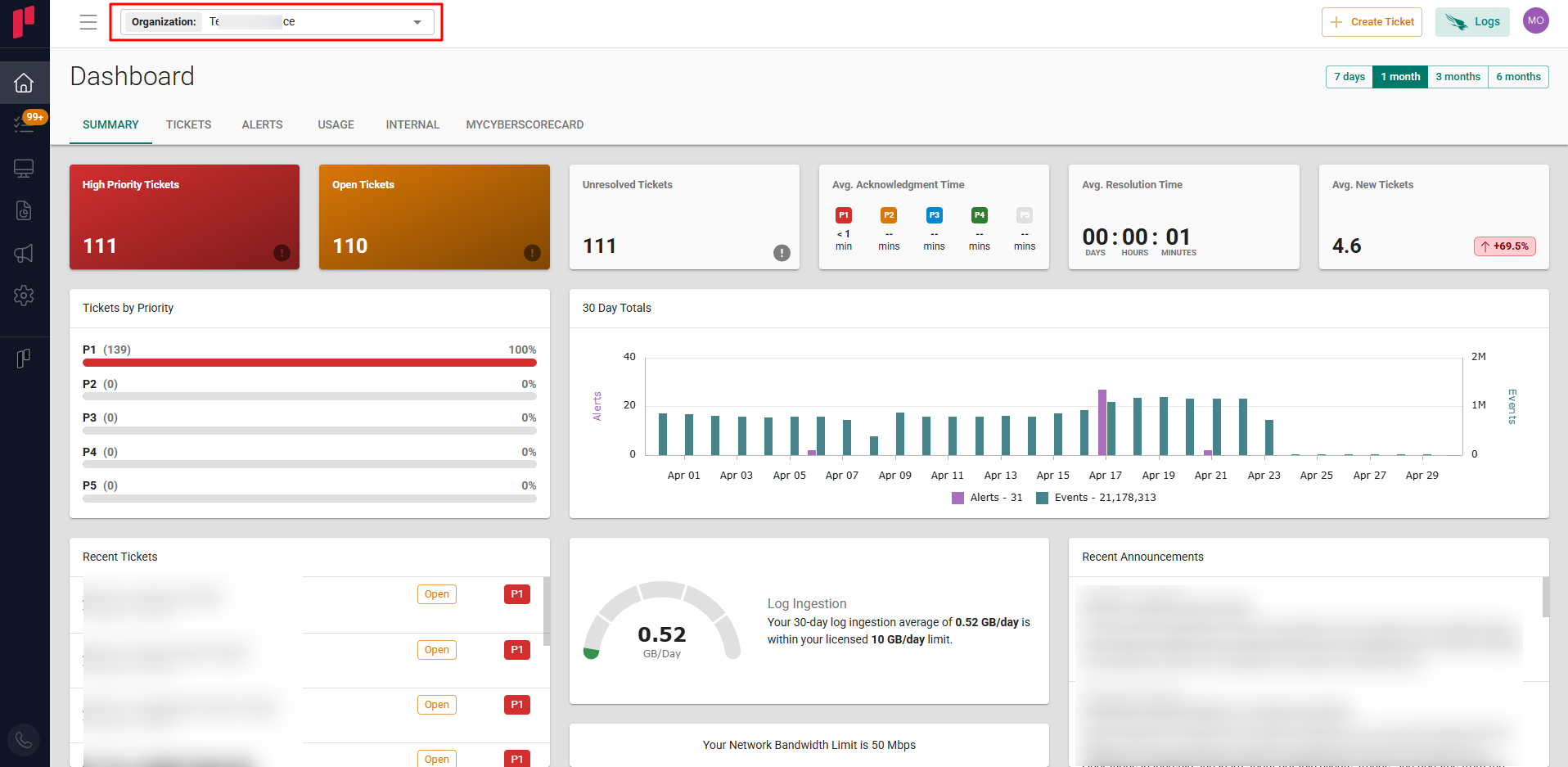
-
Navigate to the Side menu -> Administration
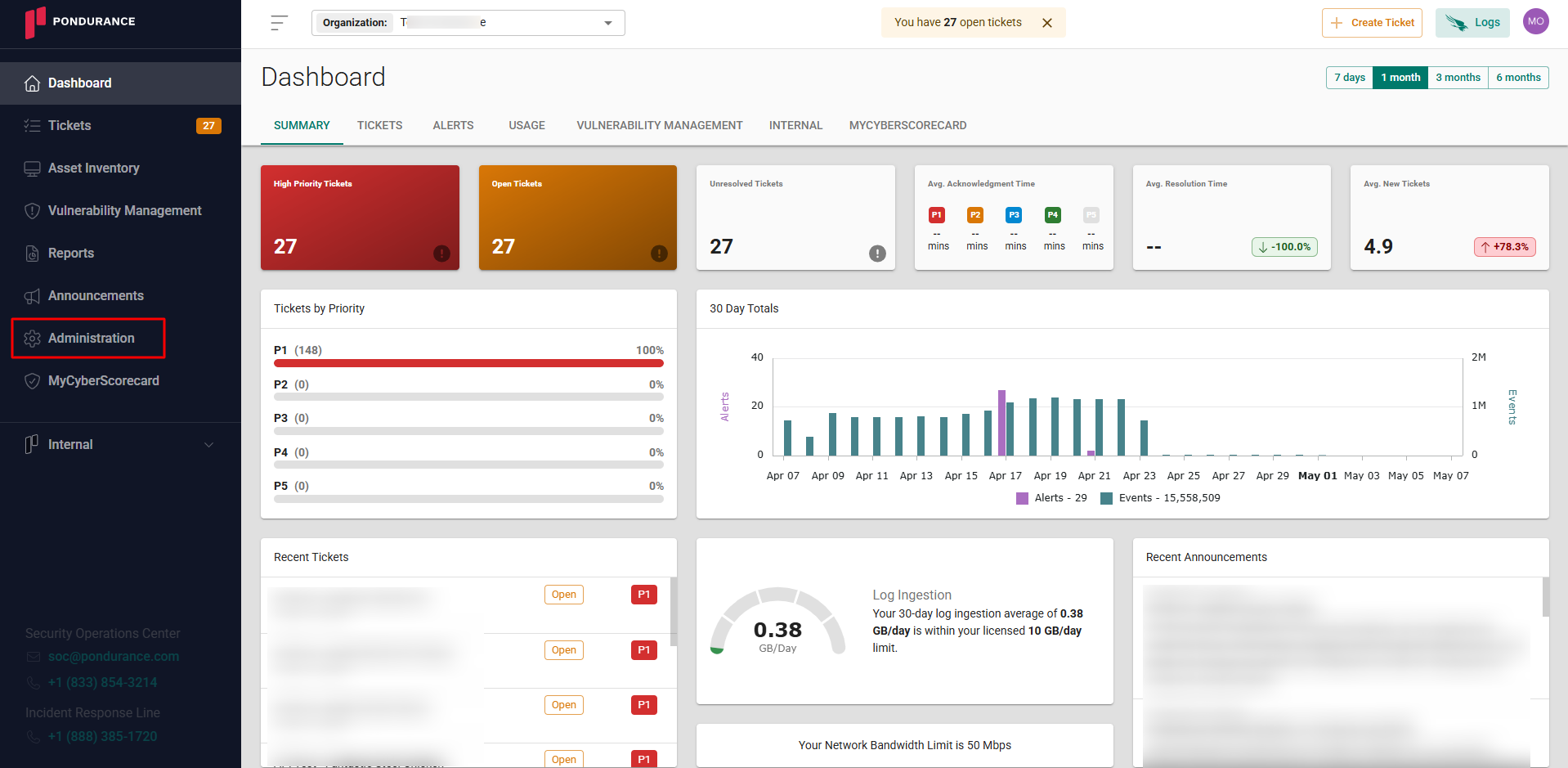
-
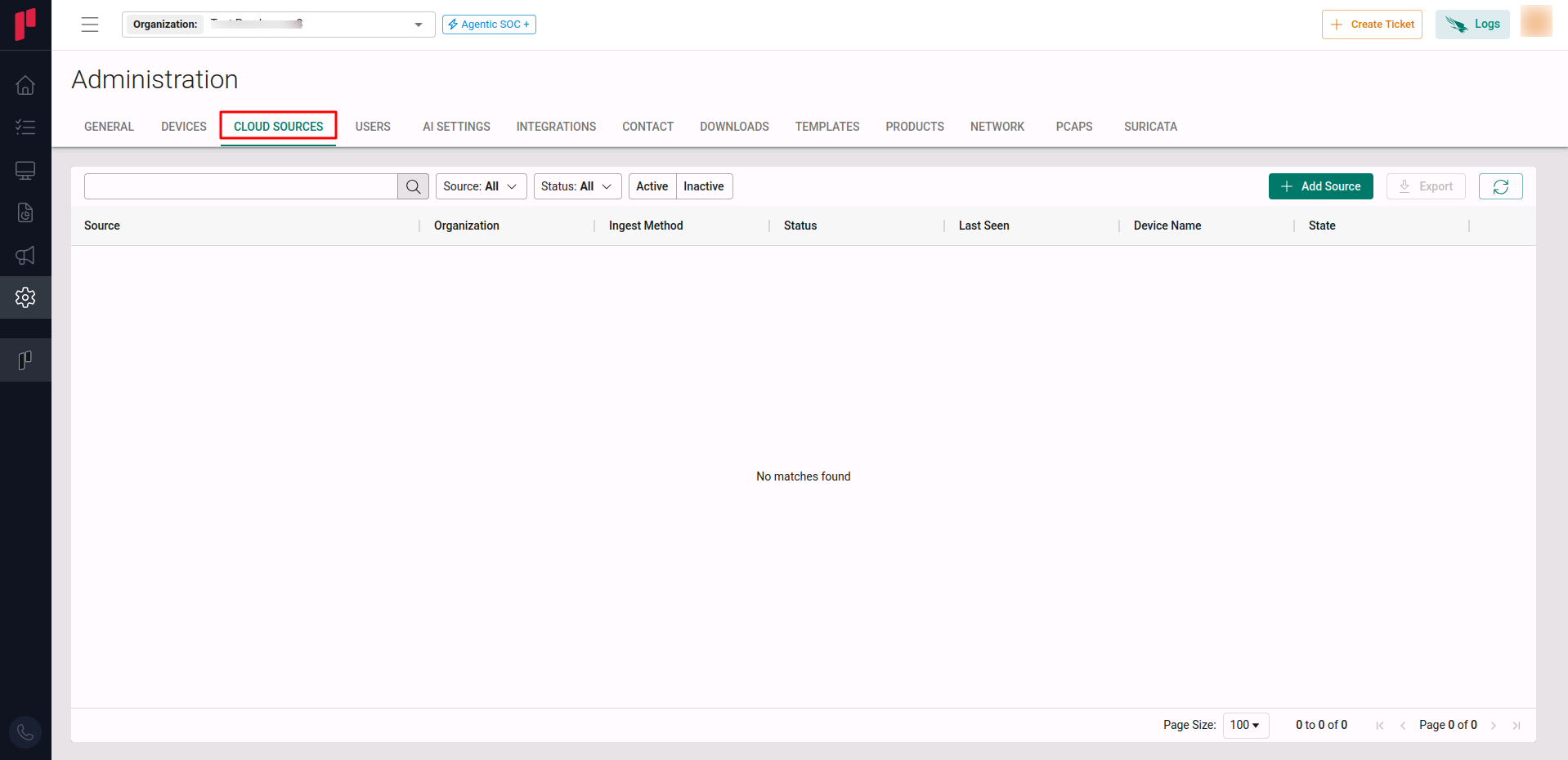
Navigate to the Cloud sources tab
-
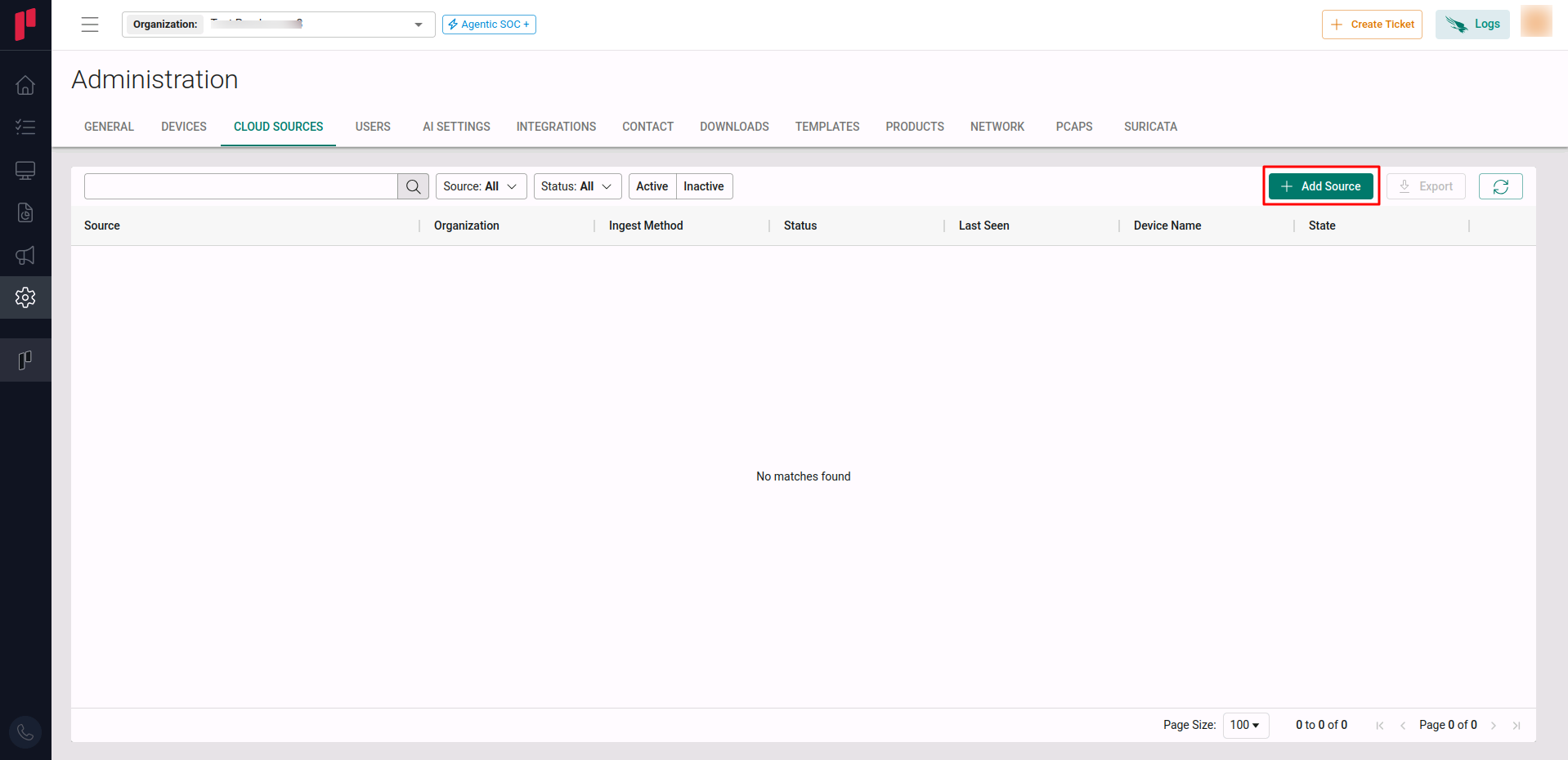
Click on the +Add Source button
-
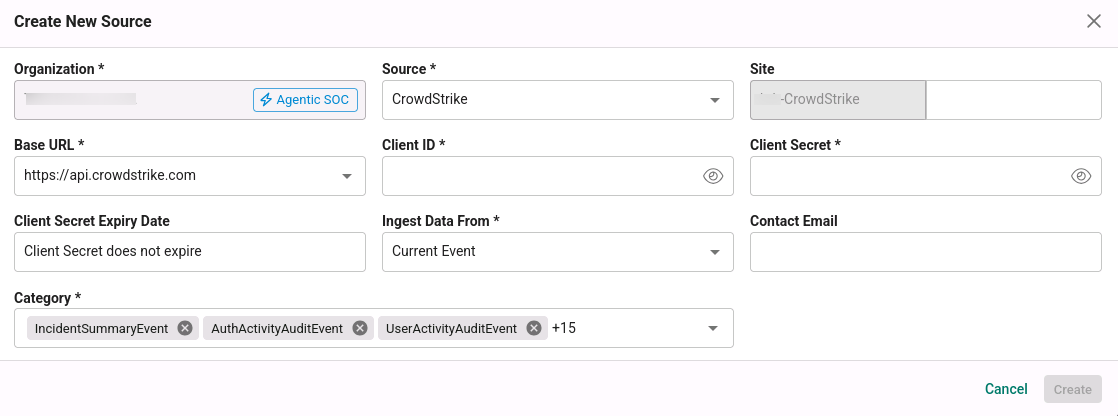
In the Create New Source pop-up, provide the parameters below.
-
Source: Select the CrowdStrike source from the Source dropdown.
-
Site: The user defined name for the CrowdStrike Falcon cloud source.
-
Base URL: The Base URL of the respective customer’s account generated in Step 1, selected from the dropdown.
-
Client ID: The Client ID generated in Step 1.
-
Client Secret: The Client Secret generated in Step 1.
-
Contact Email: The email address of the person who registers the CrowdStrike Falcon cloud source in Scope.
-
Once the required connection parameters are entered, the CrowdStrike Falcon cloud source registration is complete in Scope and is ready for ingestion of CrowdStrike Falcon logs.