Cisco Duo
Overview
Configuring a cloud source in Scope is a two-step process.
-
Generating Cisco Duo Admin API credentials in the Cisco Duo Admin Panel. Please refer to Section 1 – Cisco Duo Setup
-
Setting up the Cisco Duo cloud source in the Scope application. Please refer to Section 2 – Scope Setup
Cisco Duo Setup
To get started, you’ll need to generate the following credentials in the Cisco Duo Admin Panel –
- Integration Key
- Secret Key
- API Hostname
Step 1: Generate Client Credentials
-
Sign in to the Cisco Duo Admin Panel.
Note: Only administrators with the Owner role can create or modify an Admin API application in the Cisco Duo Admin Panel.
-
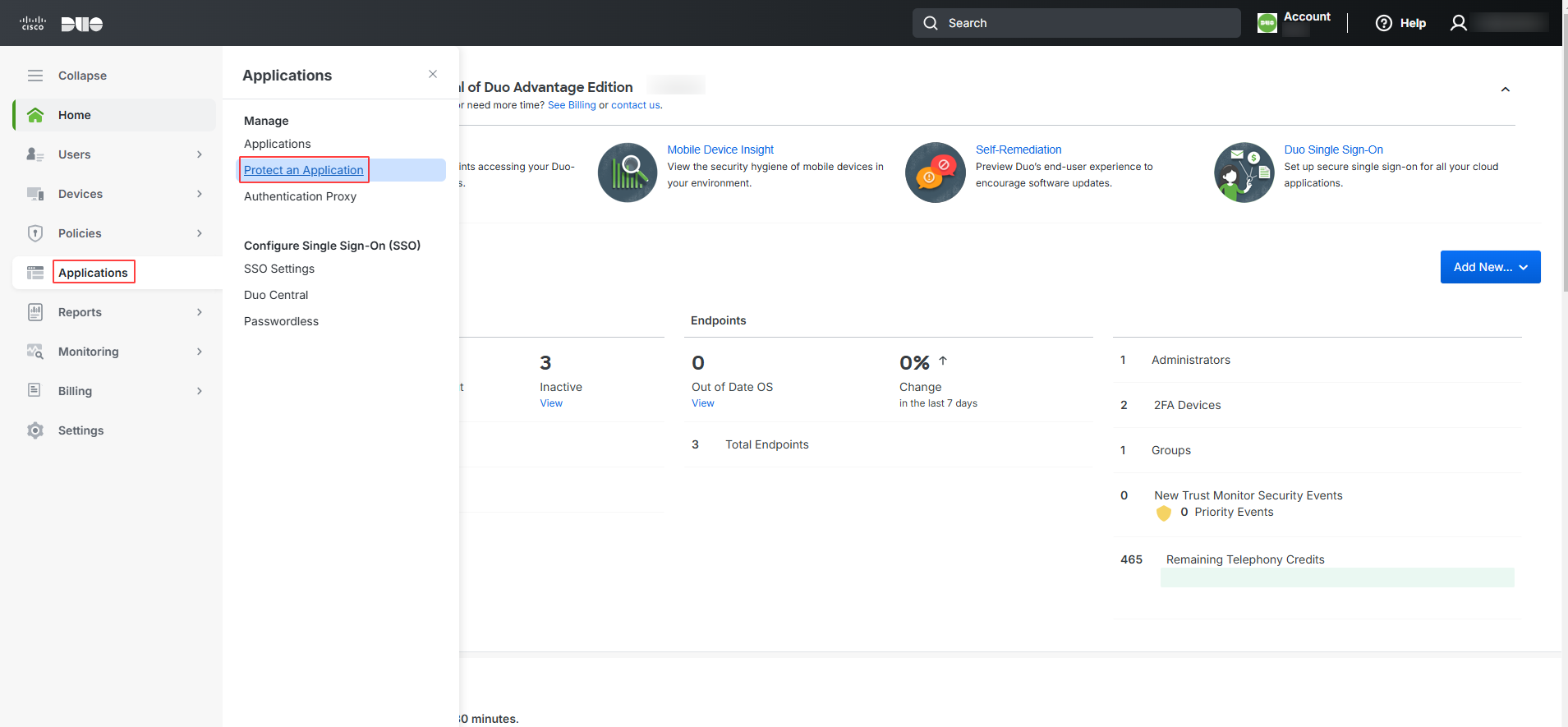
Navigate to Applications -> Protect an Application.
-
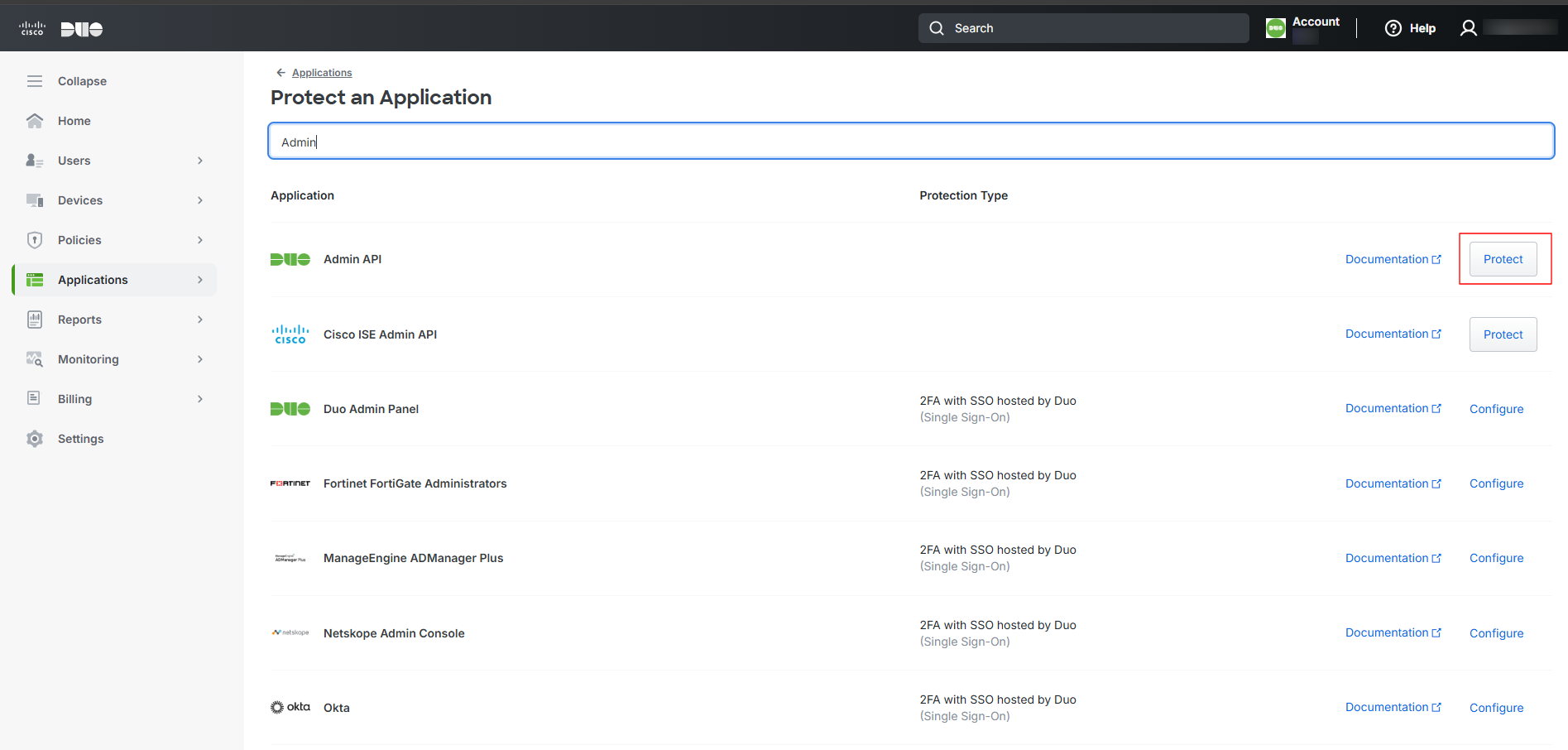
Locate the entry for Admin API in the applications list and click Protect.
-
If the Protect an Application option is not available
-
Navigate to Applications -> Application Catalog.
-
In the search bar, search for Admin API, Locate Admin API in the search results & Click Add to add the Admin API to your account.
-
-
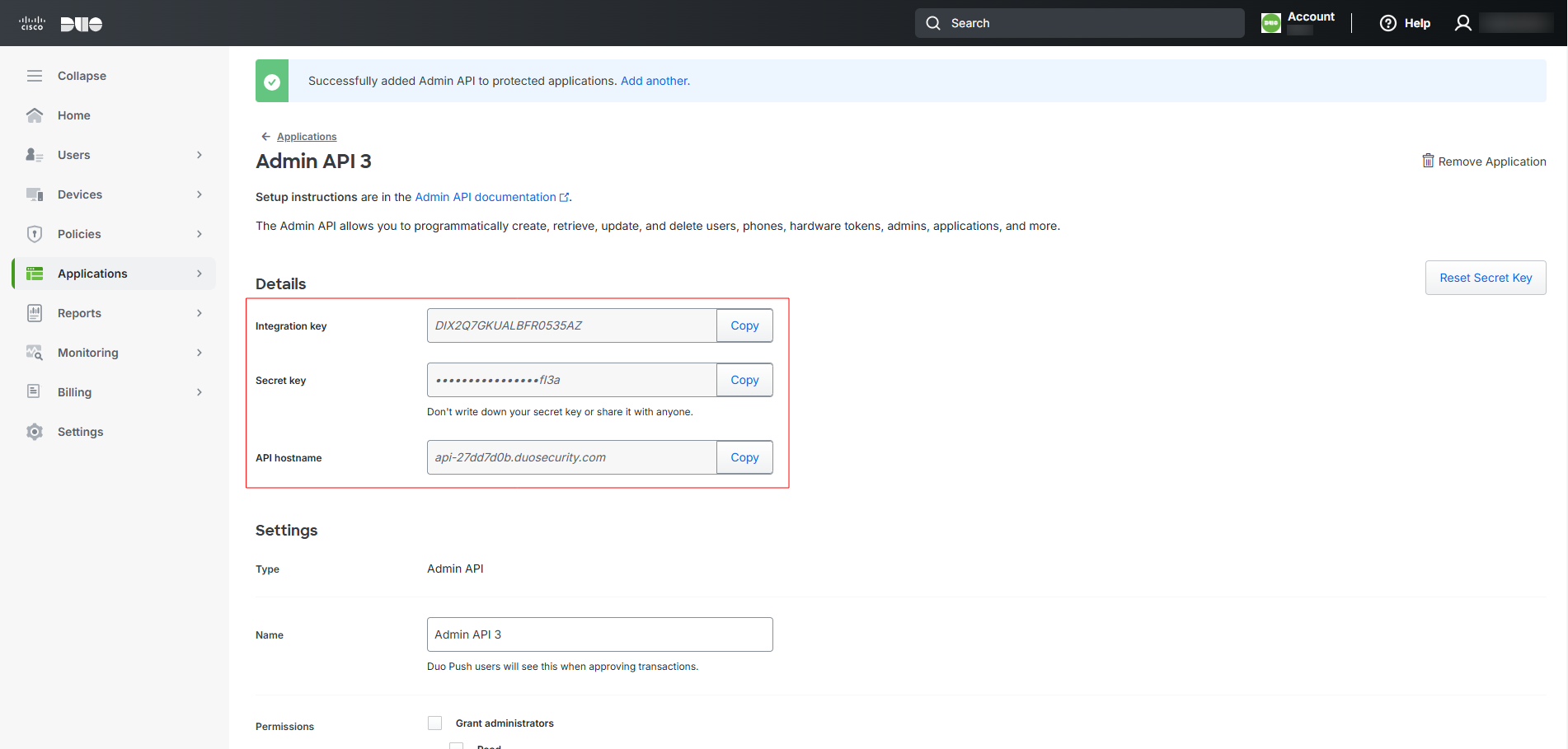
Once the application is created / added, copy the Integration Key, Secret Key, and API Hostname from the Details section.
-
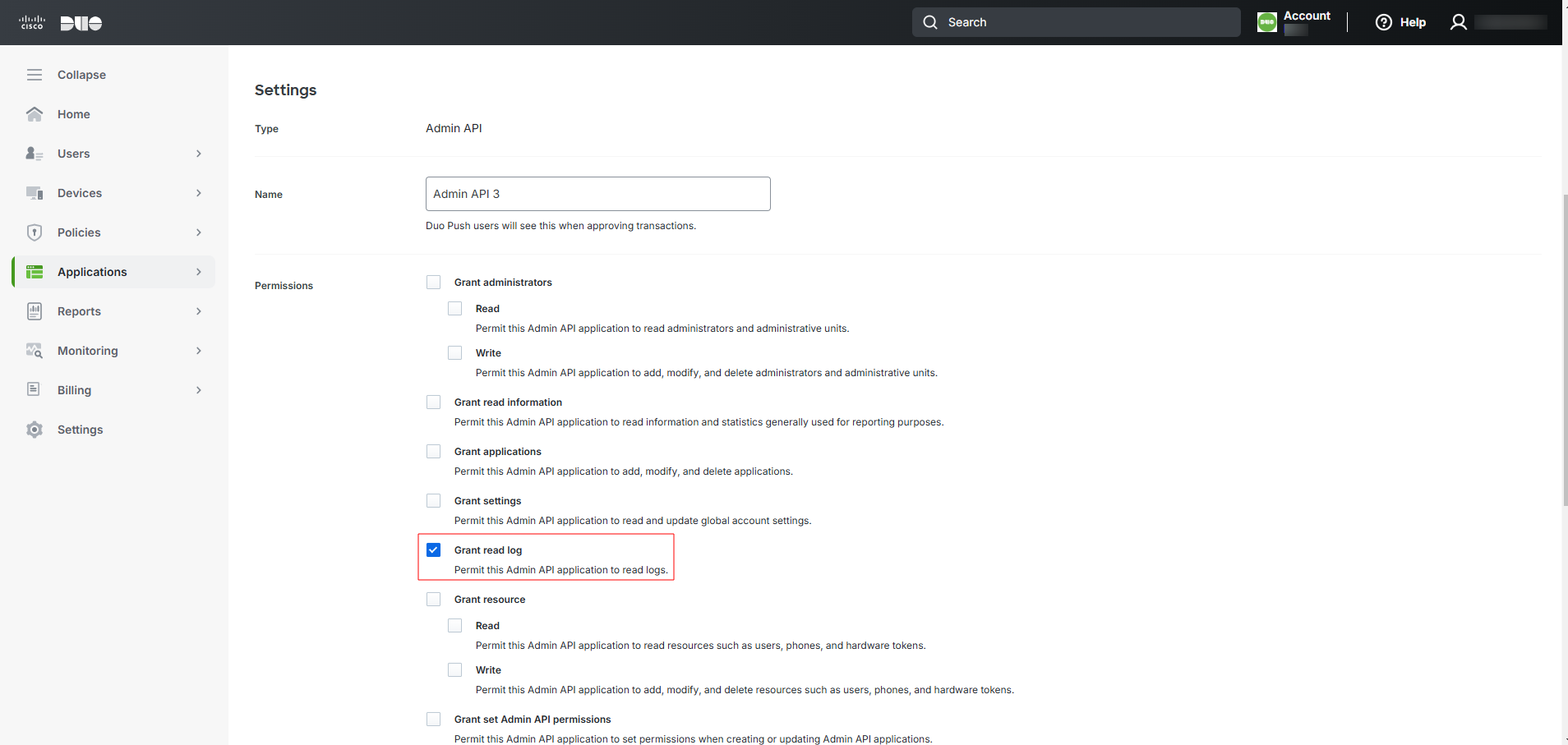
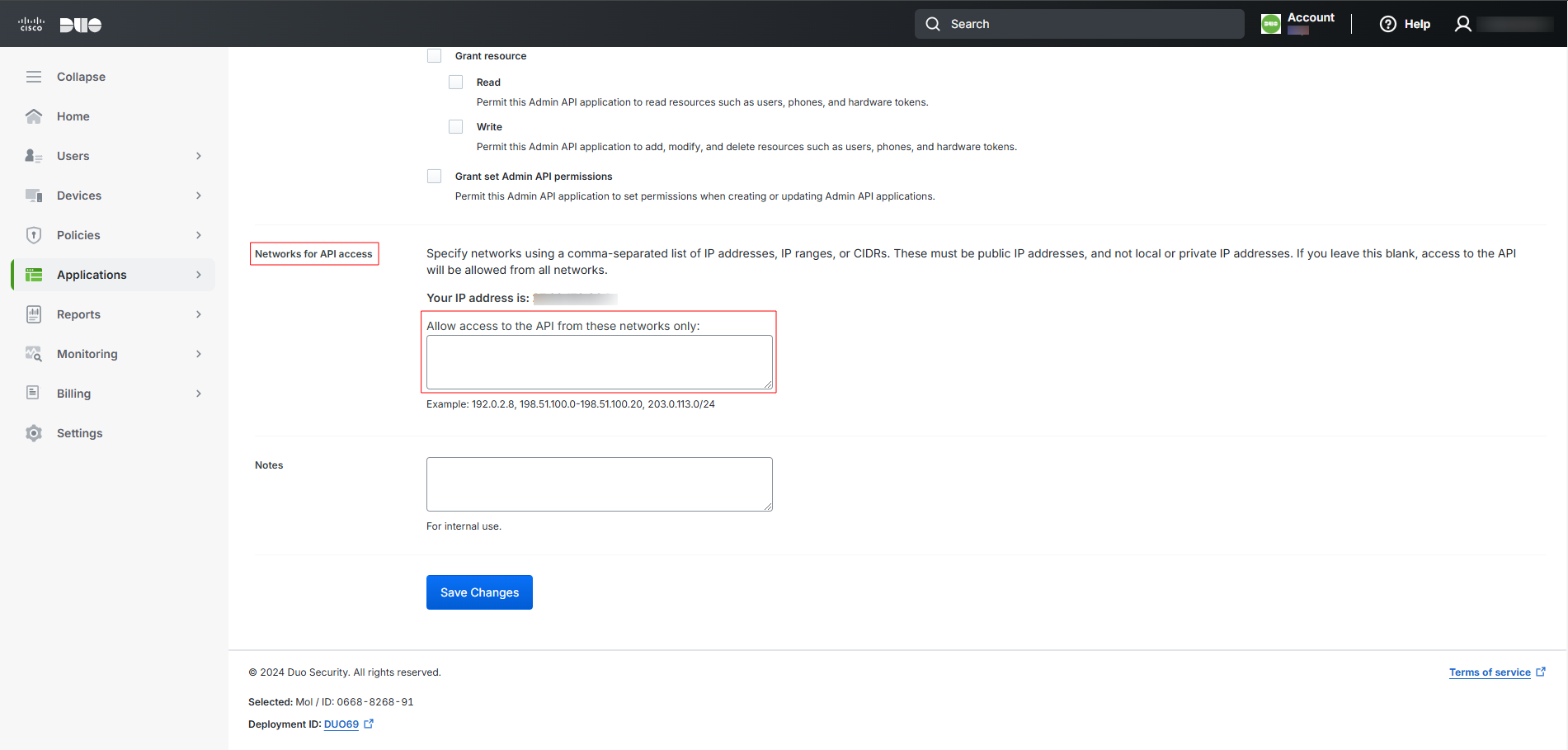
On the same page, under the Settings section, select the Grant read log checkbox for the Permissions option.
-
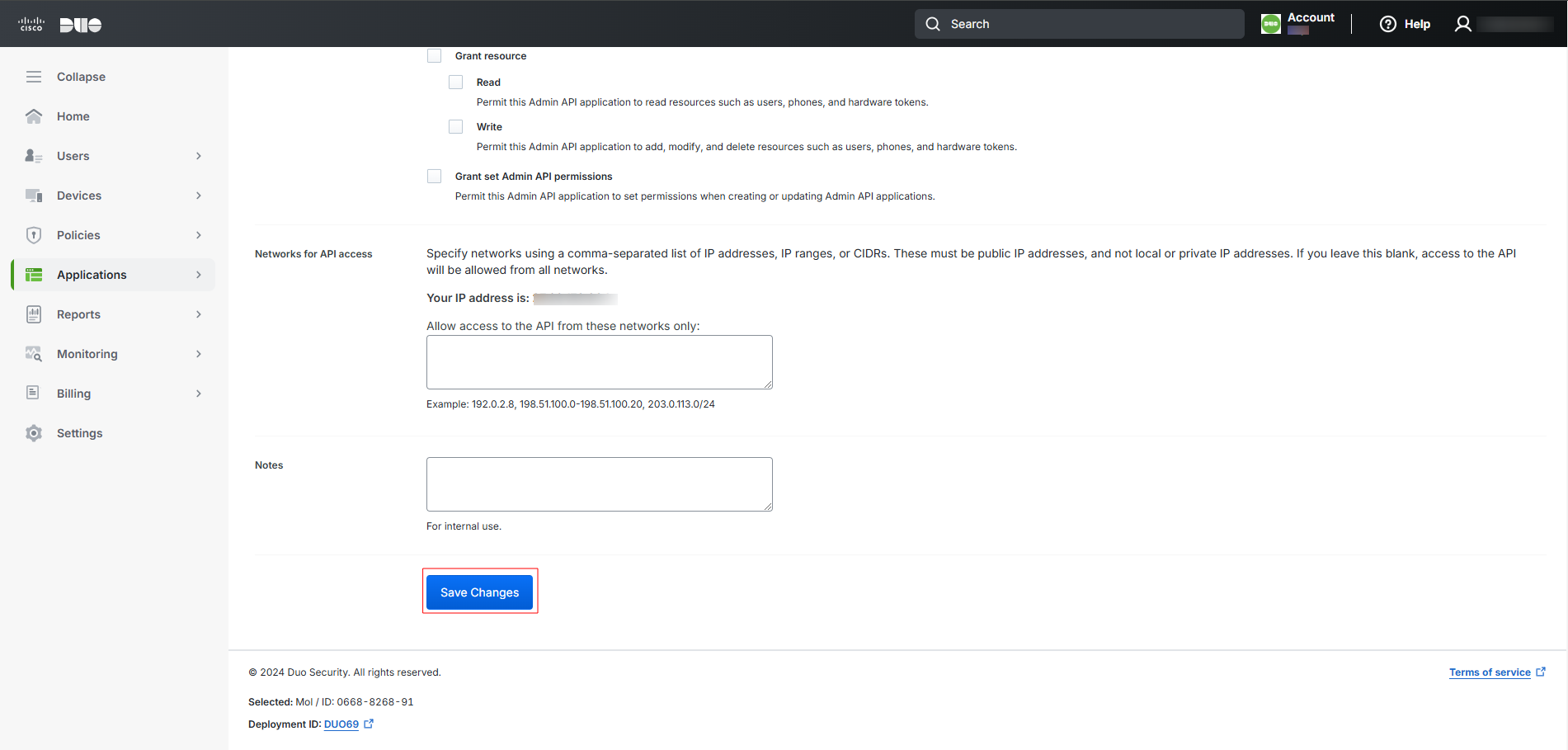
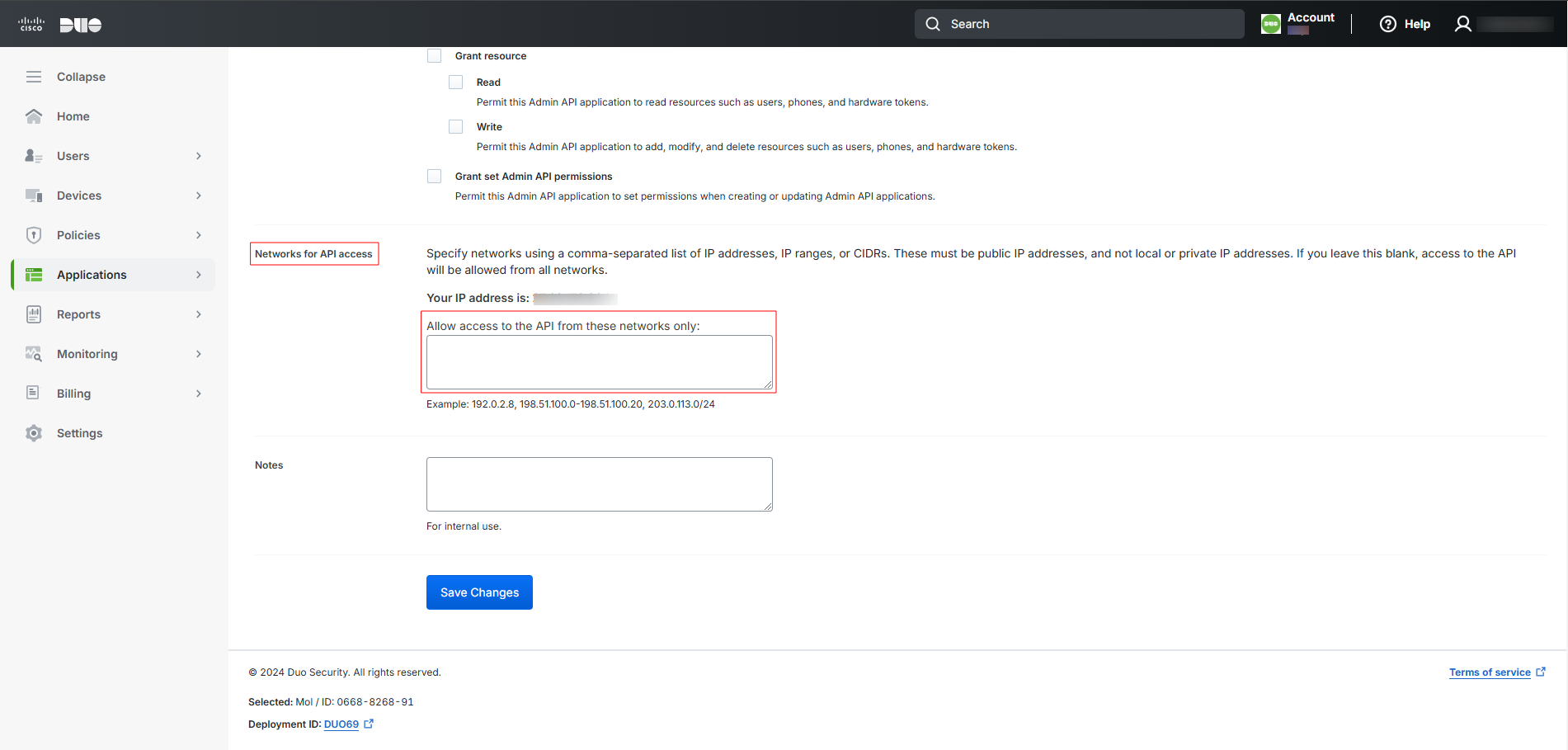
(Optional) In the Networks for API Access field, specify the IP addresses or ranges allowed to use this Admin API application. If left blank, the Admin API application can be accessed from any network.
-
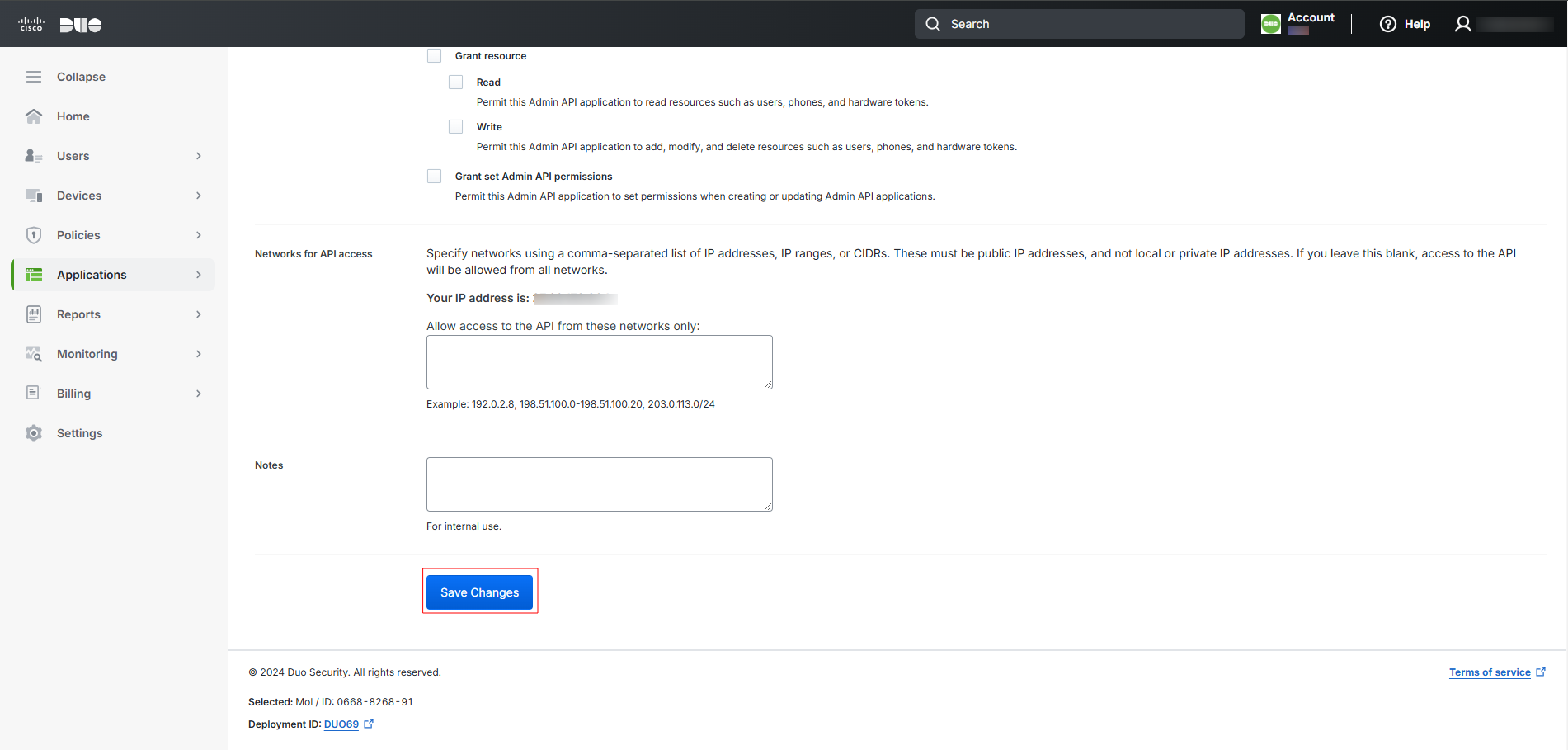
Click Save Changes.
The generated Integration Key, Secret Key, and API Hostname are to be configured in Scope Setup: Step 1 for initiating the Cisco Duo log ingestion.
Scope Setup
Step 1: Cisco Duo Cloud Source Registration in the Scope Application
Once the credentials are generated, they must be configured in the Scope application to establish the connection and enable data ingestion from the Cisco Duo environment.
In the Scope application, to register a Cisco Duo cloud source, navigate to the cloud source registration page –
-
Log into the Scope application
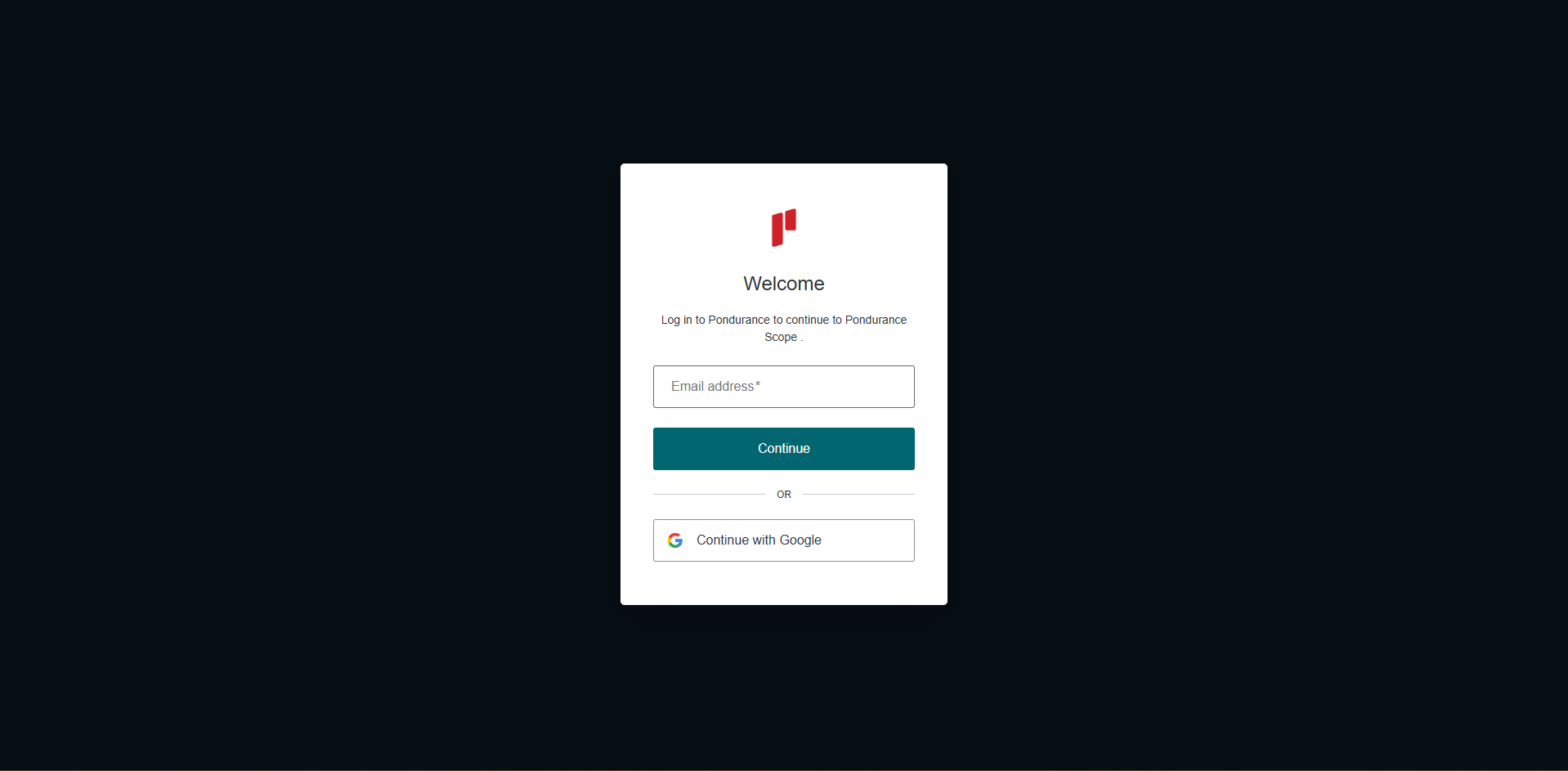
-
Select the required Organization from the Organization dropdown
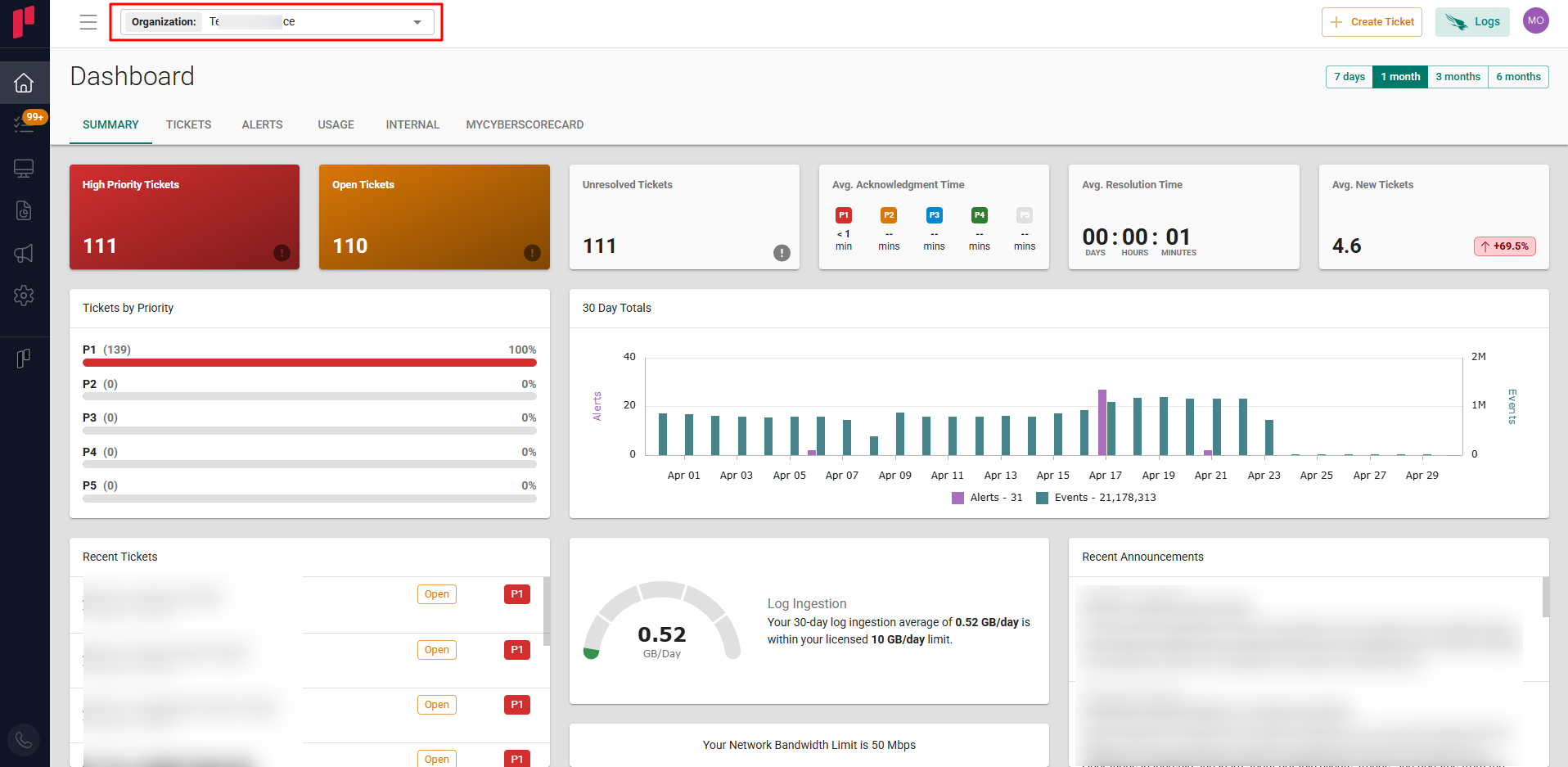
-
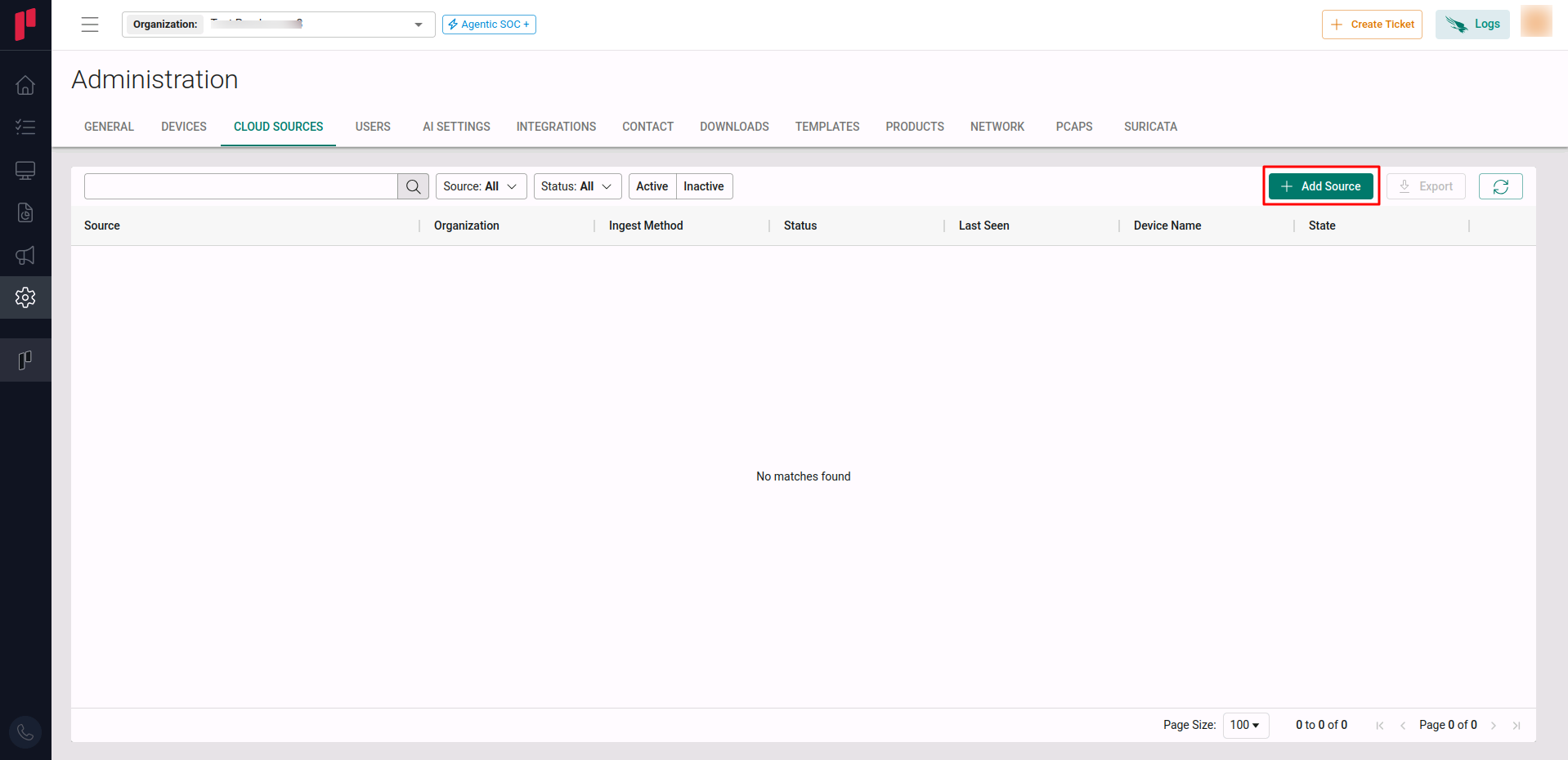
Navigate to the side menu -> Administration
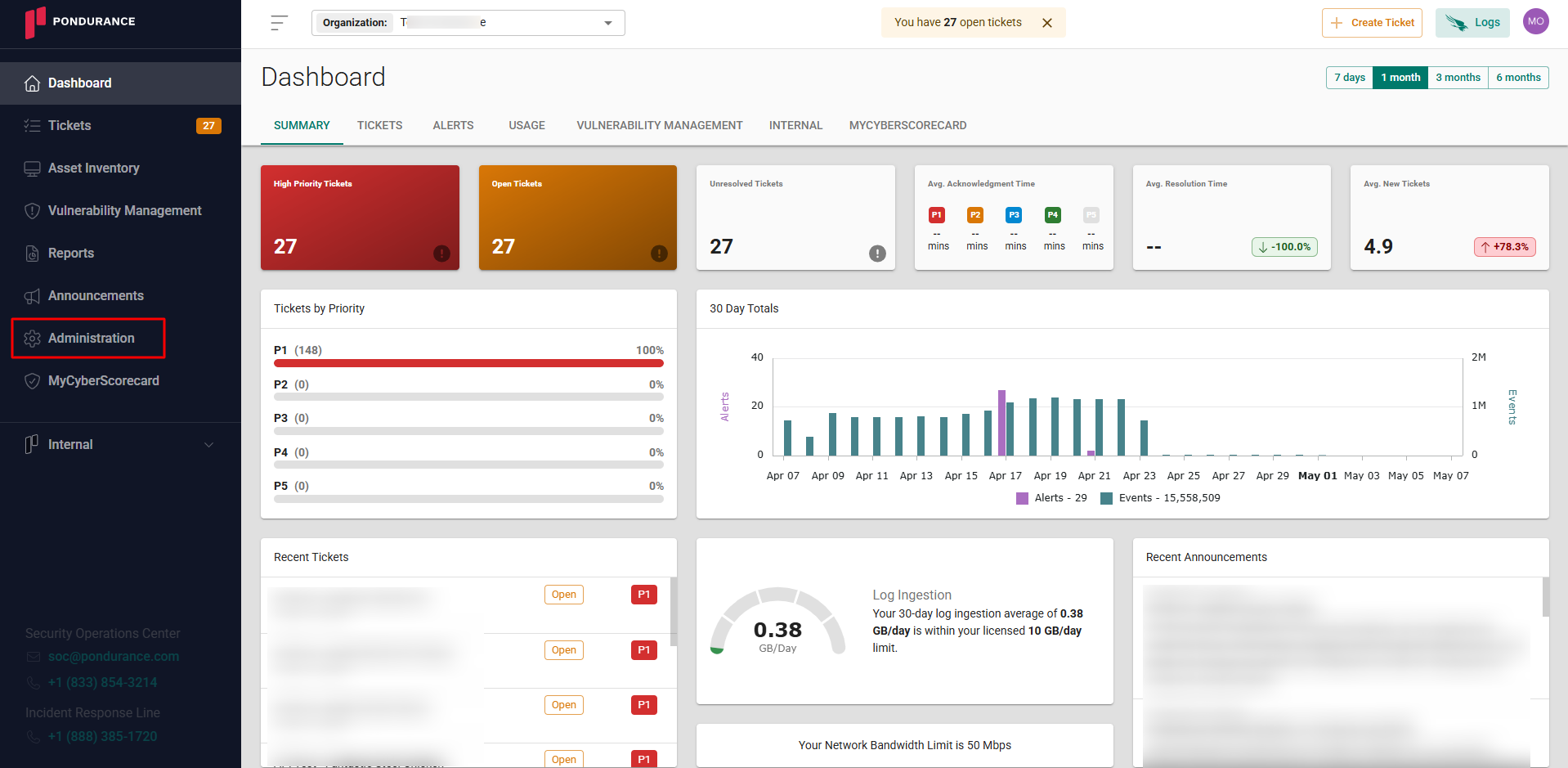
-
Navigate to the Cloud sources tab
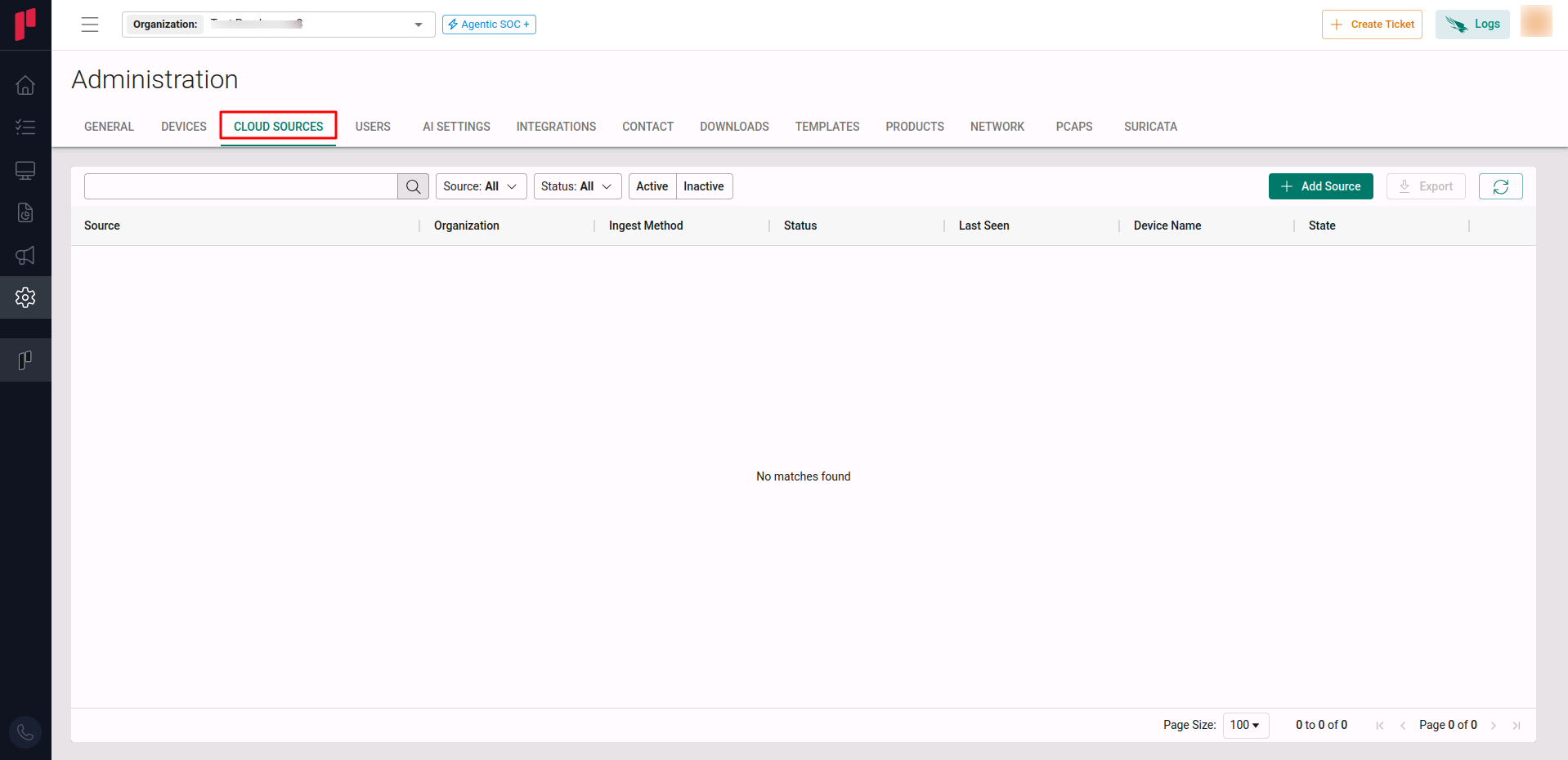
-
Click on the +Add Source button
-
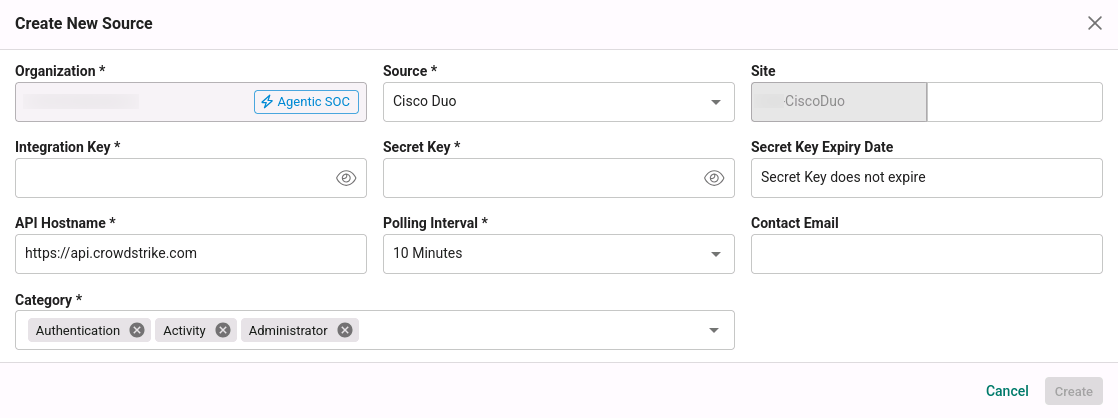
In the Add Source pop-up, provide the parameters below.
-
Source: Select the Cisco Duo source from the Source dropdown.
-
Site: The user defined name for the Cisco Duo cloud source.
-
Integration Key: The Integration Key generated in Step 1.
-
Secret Key: The Secret Key generated in Step 1.
-
API Hostname: The API Hostname of the customer’s Cisco Duo account (from Step 1).
-
Polling Interval: The polling interval for making periodic API calls to the Cisco Duo server. The user can select the time interval from the dropdown.
-
Contact Email: The email address of the person who registers the Cisco Duo cloud source in Scope.
-
Once the required connection parameters are entered, the Cisco Duo cloud source registration is complete in Scope and is ready for ingestion of Cisco Duo logs.