Abnormal Security
Overview
Configuring a cloud source in Scope is a two-step process.
-
Generating an Abnormal Security Authentication Token in the Abnormal Security Portal. Please refer to Section 1 – Abnormal Security Setup
-
Setting up the Abnormal Security cloud source in the Scope application. Please refer to Section 2 – Scope Setup
Abnormal Security Setup
To get started, you’ll need to generate the following credentials in the Abnormal Security Portal –
- Authentication Token
- IP Allowlisting (for API access restriction)
- Base URL
Step 1: Generate Authentication Token & Configure IP Allowlisting
-
Sign in to the Abnormal Security Portal.
-
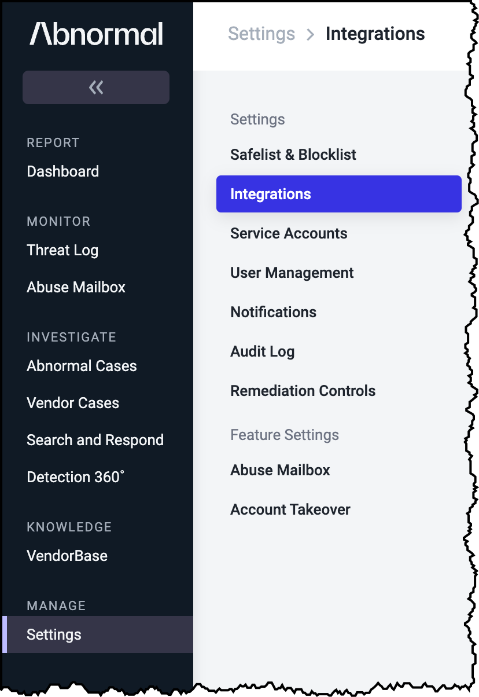
Click Settings on the left navigation menu.
-
Click Integrations in the settings menu.
-
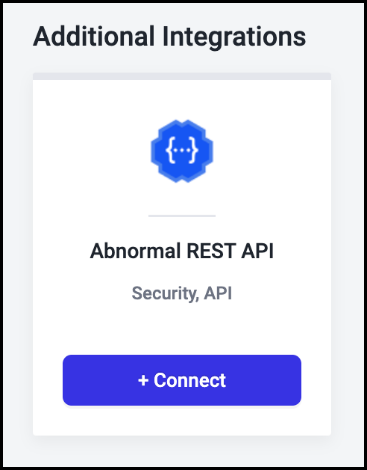
Scroll down to the Additional Integrations section and click + Connect on the Abnormal REST API card to display an integration page for your organization.
-
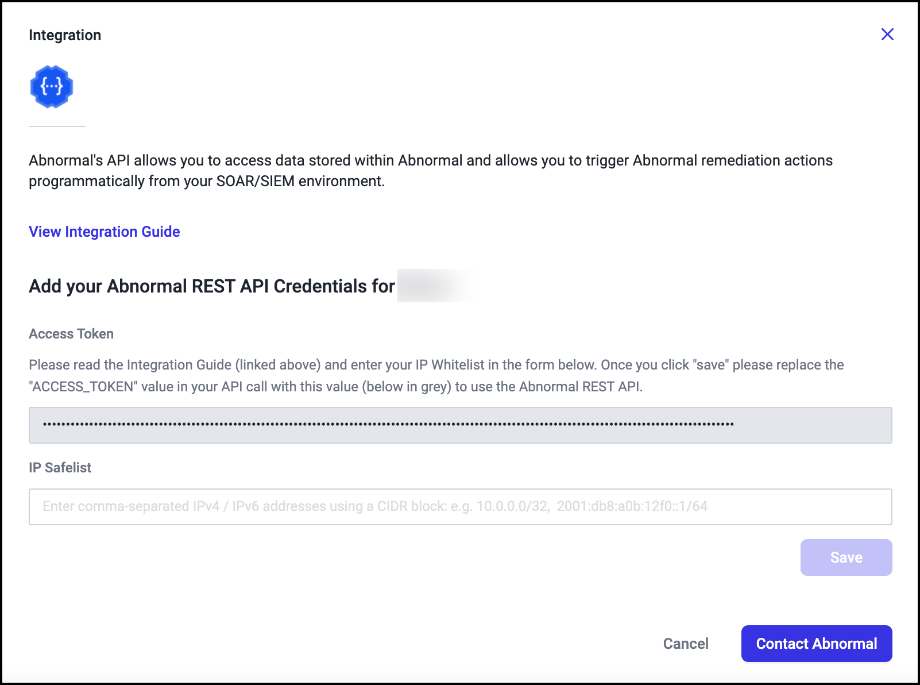
The integration page displays a unique API Access Token required with your API calls.
Important: The API access token grants access to sensitive threat data related to your organization. Store it in a secure place such as an encrypted password vault, and do not share it unless necessary. If you believe that the token has been compromised, contact Abnormal Support immediately at support@abnormalsecurity.com.
-
In the IP Safelist field, enter a specific IPv4 / IPv6 address for your organization, or enter a range of addresses using a CIDR (Classless Inter-Domain Routing) block. IP allowlisting ensures that API access is only possible from IP addresses explicitly belonging to your organization.
The generated Authentication Token is to be configured in Scope Setup: Step 1 for initiating the Abnormal Security log ingestion.
Scope Setup
Step 1: Abnormal Security Cloud Source Registration in the Scope Application
Once the credentials are generated, they must be configured in the Scope application to establish the connection and enable data ingestion from the Abnormal Security environment.
In the Scope application, to register an Abnormal Security cloud source, navigate to the cloud source registration page –
-
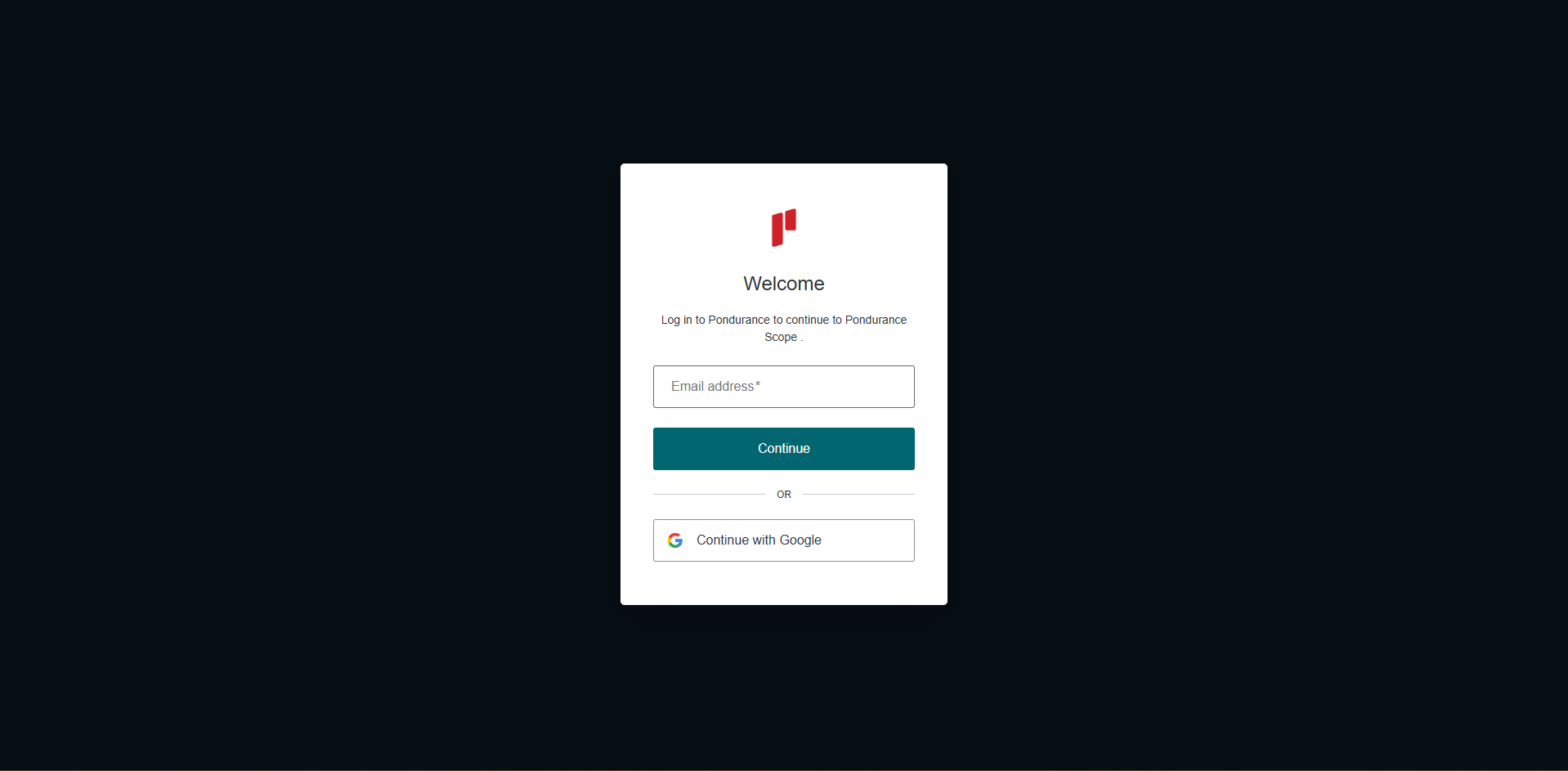
Log into the Scope application
-
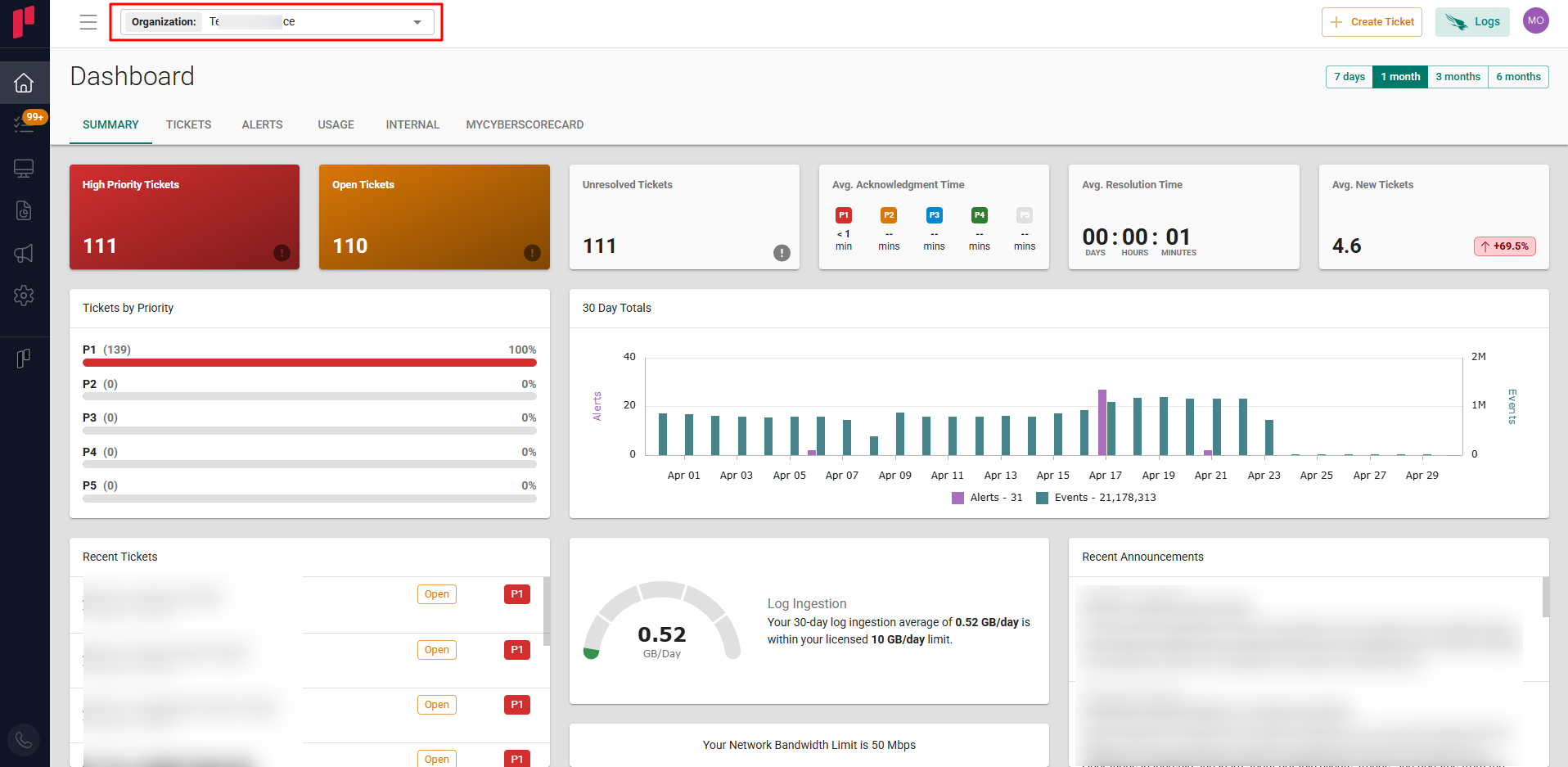
Select the required Organization from the Organization dropdown
-
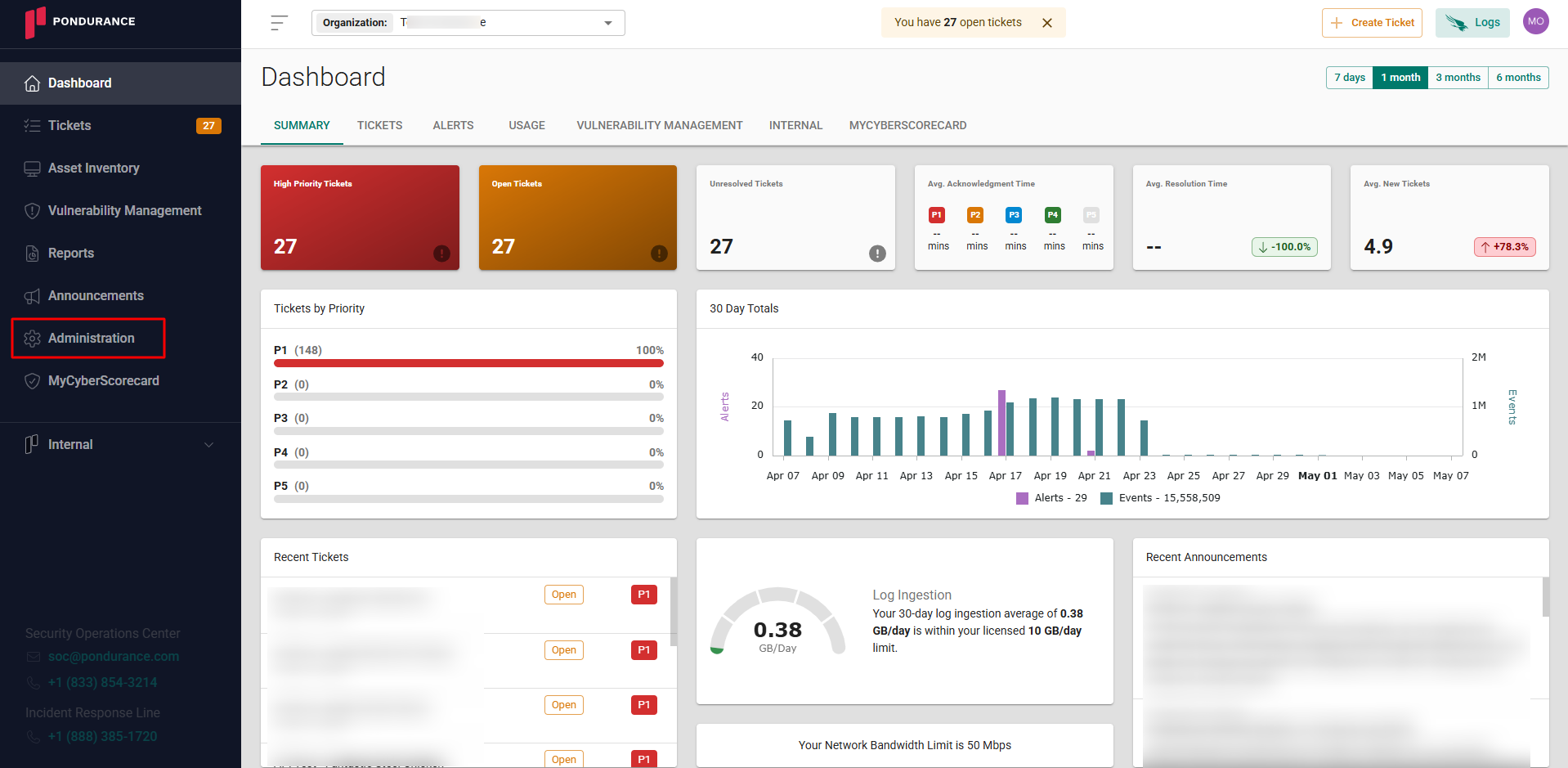
Navigate to the side menu -> Administration
-
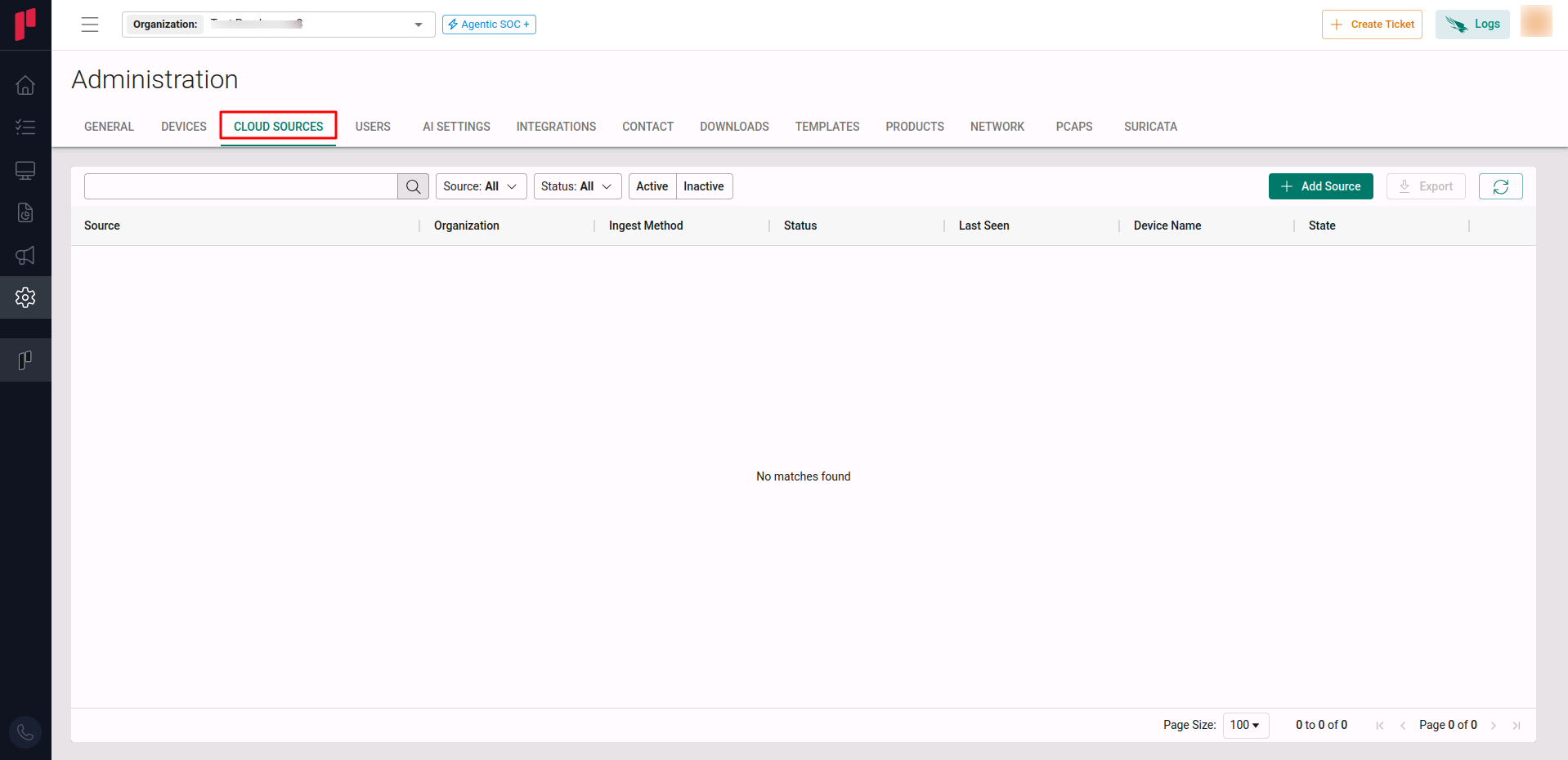
Navigate to the Cloud sources tab
-
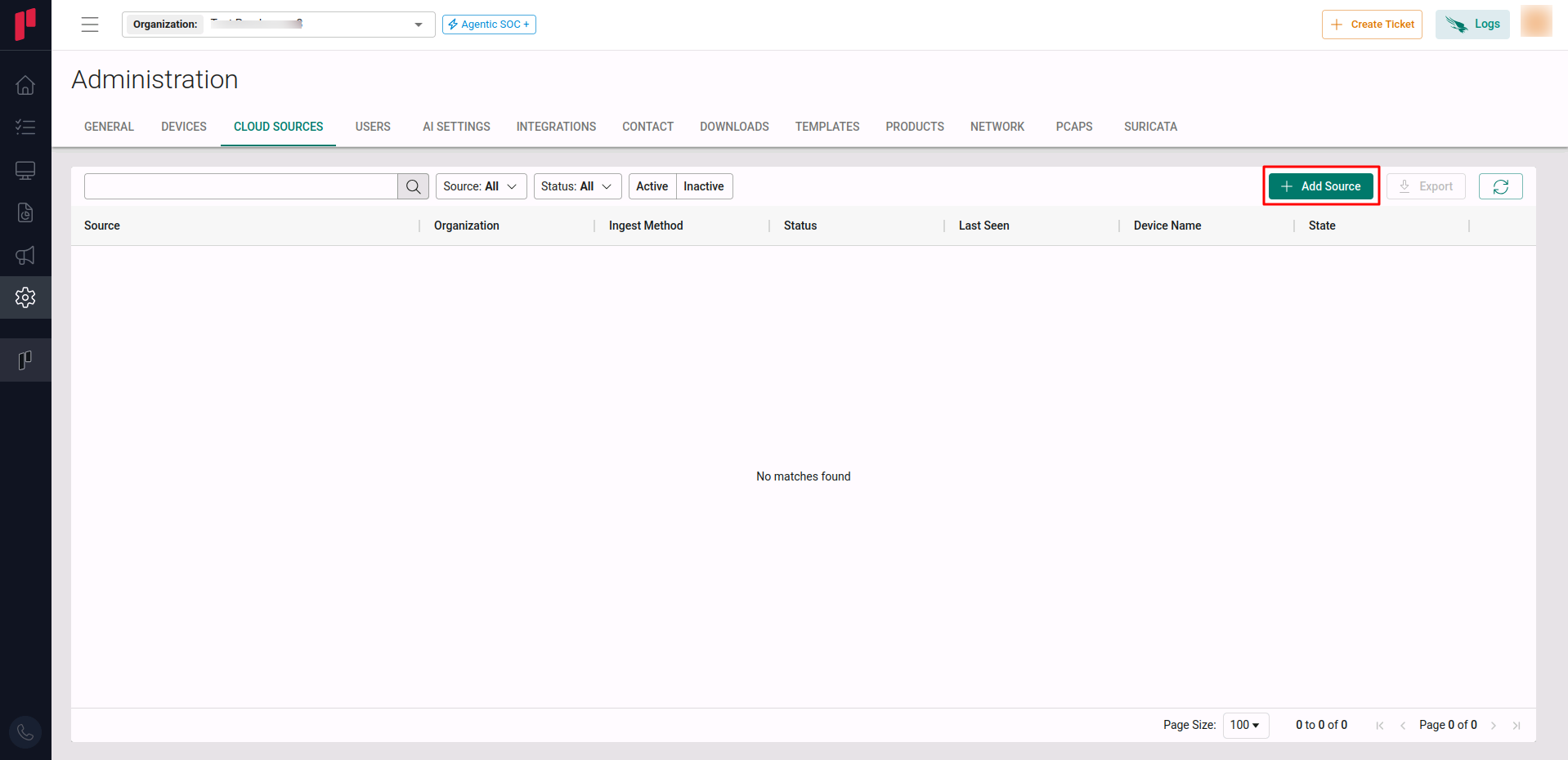
Click on the +Add Source button
-
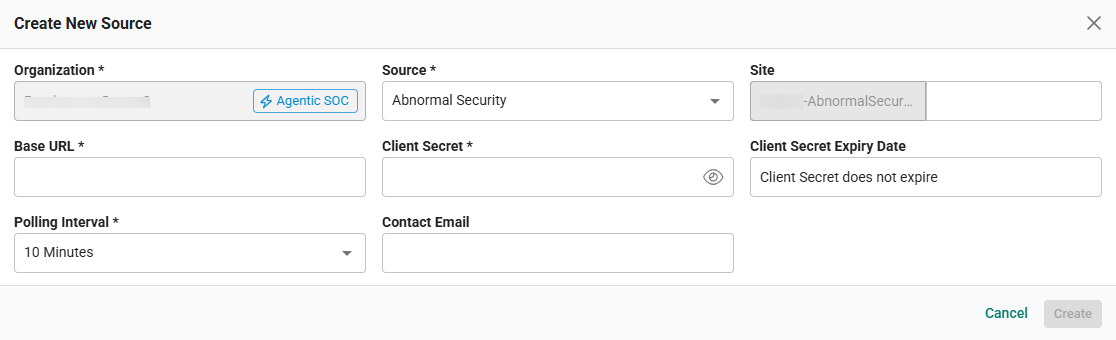
In the Add Source pop-up, provide the parameters below.
-
Source: Select the Abnormal Security source from the Source dropdown.
-
Site: The user defined name for the Abnormal Security cloud source.
-
Base URL: The URL of the hosted Abnormal Security application. Provide the value
https://api.abnormalplatform.com. -
Client Secret: The Authentication Token generated in Step 1.
-
Polling Interval: The polling interval for making periodic API calls to the Abnormal Security server. The user can select the time interval from the dropdown.
-
Contact Email: The email address of the person who registers the Abnormal Security cloud source in Scope.
-
Once the required connection parameters are entered, the Abnormal Security cloud source registration is complete in Scope and is ready for ingestion of Abnormal Security logs.