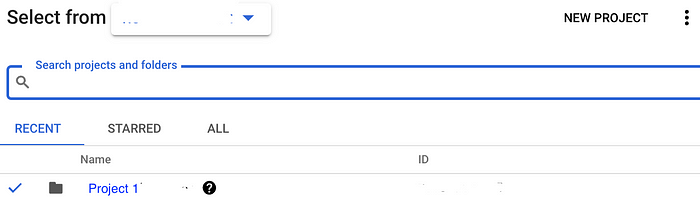
Pondurance Home > Main Menu > Log Ingestion > 📁 Cloud Streaming/Storage > Google Cloud Storage > Export Audit Logs
Export Audit Logs
This page helps users to configure the Audit logs to ingest into the Google Cloud Storage bucket
Note:
- Logs are generated only when activity occurs.
- Test resources must be located in the same VPC where logging is enabled.
Set Up Audit Logging
-
Navigate to IAM & Admin -> Audit Logs.
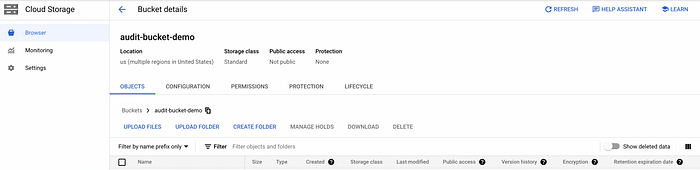
-
Set the default configuration and enable the following permissions:
- Admin Read
- Data Read
- Data Write
Note: Admin Activity is enabled by default. Data Access logs must be enabled manually.