Pondurance Website
Incident
Documentation
Getting Started
Welcome
Emergency?
Main Menu
Appliance Deployment
Prerequisites
Obtaining Images
Firewall Configuration
Appliance IP Configuration
Deployment Methods
ISO
Create a USB Installer
Installation
Hypervisor Deployment
VMware VSphere
Microsoft HyperV
Appliance Setup Menu
Main Menu
Network Menu
Activation Menu
Diagnostics Menu
Log Ingestion
📤 Log Forwarder
Check Point Firewall
Cisco ASA
Cisco FTD
Cisco IOS
Cisco ISE
Cisco Meraki
Cisco Nexus
Cisco Secure Email Gateway
Cisco Wireless LAN Controller
Fortinet FortiGate
Palo Alto Global Protect
Zscaler ZIA
📁 Cloud Streaming/Storage
Azure Event Hub
Export 365 Defender Logs
Export Azure Activity Logs
Export Azure App Service Logs
Export Azure Application Gateway Logs
Export Azure Blob Storage Logs
Export Azure Firewall Logs
Export Azure Front Door Logs
Export Azure Identity Protection Logs
Export Azure Key Vault Logs
Export Azure NSG Logs
Export Azure Signin Logs
Export Azure SQL Logs
Export Azure Virtual Desktop Logs
Export Azure VPN Gateway Logs
Export Azure Web Apps Logs
Export Defender for Cloud Logs
Export Entra Global Secure Access Logs
Export Microsoft Entra ID Logs
Export Microsoft Graph Activity Logs
Export Microsoft Intune Logs
AWS S3
Export AWS CloudTrail Logs
Export AWS GuardDuty Logs
Export Cisco Umbrella Logs
Export Cloudflare Logs
Export Cribl Stream Logs
Export DNS Filter Logs
Google Cloud Storage
Export Audit Logs
Export DNS Logs
Export Firewall Logs
Export VPC Logs
Google Pub Sub
Nametag Webhooks
🔗 Cloud API
1Password
Abnormal Security
Acronis
Action1
Addigy
AWS CloudTrail
AWS Security Hub
Azure Virtual Network Flow Logs
Carbon Black Cloud
Check Point
Cisco Duo
Cisco Meraki
Cisco Secure Endpoint
CrowdStrike Falcon
CrowdStrike SIEM Cases
Dropbox
Files.com
GitHub
Google Workspace
Imperva Cloud WAF
IT Glue
JumpCloud
Juniper Mist
LogMeIn Central
Medigate
Microsoft
Microsoft Sentinel
Mimecast
MuleSoft
NetSuite
NinjaOne
Okta
Palo Alto Cortex XDR
Proofpoint Essentials
Proofpoint On-Demand
Proofpoint TAP
Qualys
Salesforce
SentinelOne
Snowflake
Sophos EDR
Thinkst Canary
ThreatLocker
Trellix
Network
Appliance Sizing Guide
Network Sensor Placement
Security Testing
Appliance Sizing Guide
Enhanced Vulnerability Management Program (EVMP)
Scope
Features
Customer Roles
Dashboard Features
Organization Settings
MFA Settings
User Account Settings
FAQ
Changing Your Password
Downloading Reports
Inviting Users
Ticket Acknowledgment Flow
Cookie Policy
Ticket Acknowledgment Flow
DFIR
sFTP Service
References
Useful Links
About
Legal Documents
Pondurance Home
>
Main Menu
>
Appliance Deployment
>
Deployment Methods
>
ISO
> Installation
Installation
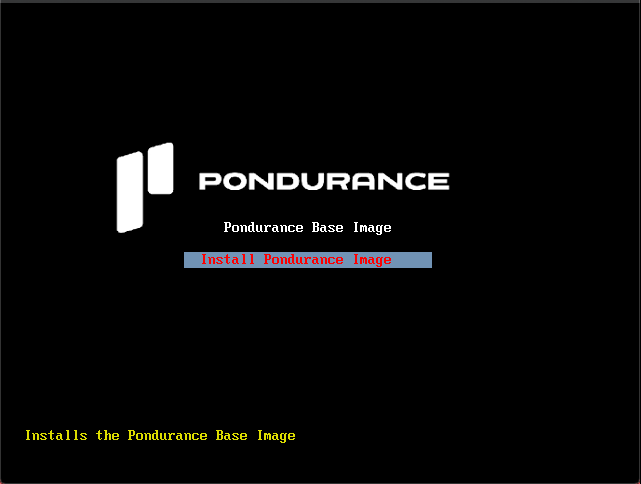
Press Enter to confirm installation
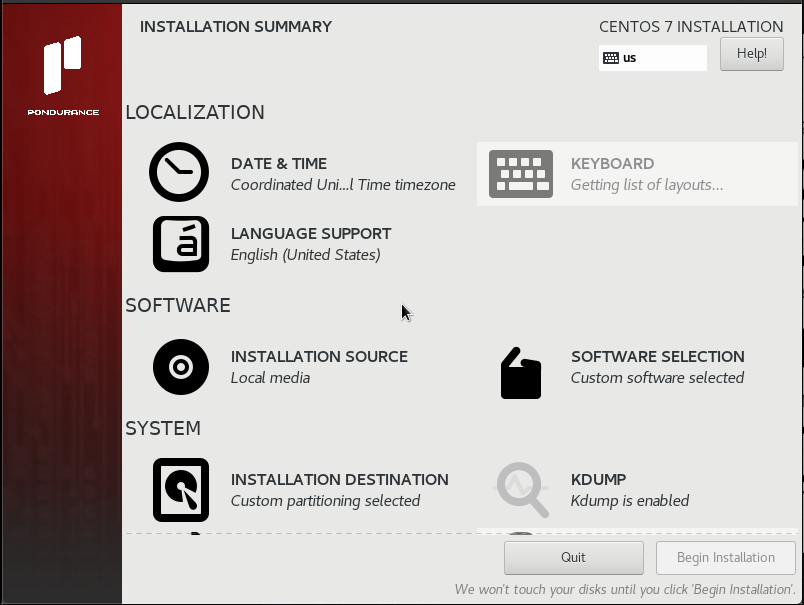
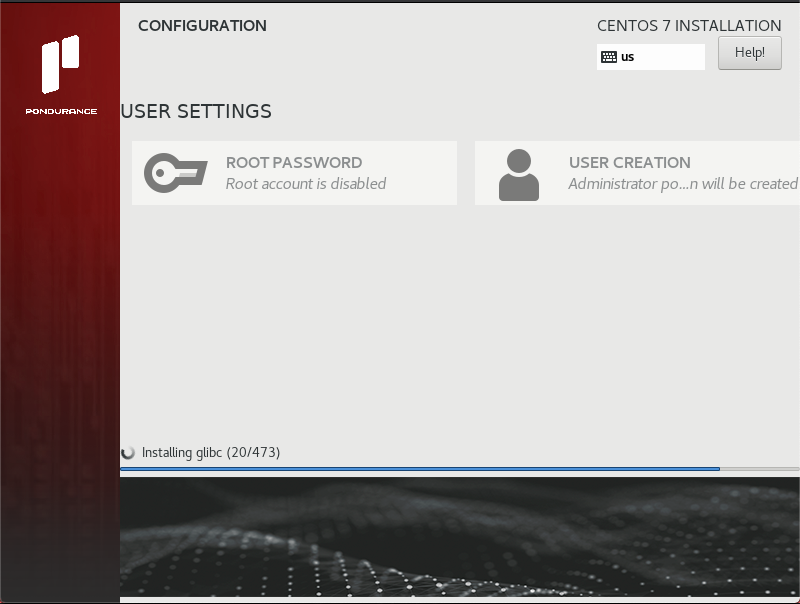
The install process will automatically begin